

Building a strong, engaged community has become a top priority for brands, creators, and organizations.
The right community platform can unite people, improve communication, and offer a space for members to succeed.
With so many community platform options available, choosing the one that fits your needs can be overwhelming.
Each platform offers unique features, from customizable branding and user profiles to advanced analytics and event management tools.
Finding the right software depends on understanding what your community needs and
how you plan to engage and grow that community over time.
In this article, we'll explore what makes a great community platform, the essential features to consider, and how to evaluate your options.
Let's get started on building the perfect community for you!
What is Community Platform Software?
Community platform software helps businesses, organizations, and groups build, manage, and engage with online communities.
They facilitate knowledge sharing by allowing members to easily post articles, share resources, and participate in discussions.
They typically include features like forums, chat rooms, social media-like activity feeds, and content-sharing tools.
Why Community Platforms Matter
The importance of community platforms cannot be understated. Customers expect more than just products or services—they want to feel connected to the brand or organization.
Community platforms are a powerful tool for meeting this expectation.
Here are some key reasons why community platforms are beneficial:
- A strong online community allows customers to interact directly with a brand, increasing engagement and trust.
- Community members can help answer each other’s questions, reducing the load on support teams.
- User-generated content, such as reviews, testimonials, or discussions, can serve as valuable assets for the brand.
- People who feel connected to a community are more likely to remain loyal to a brand.
Use Cases of Community Platform Software
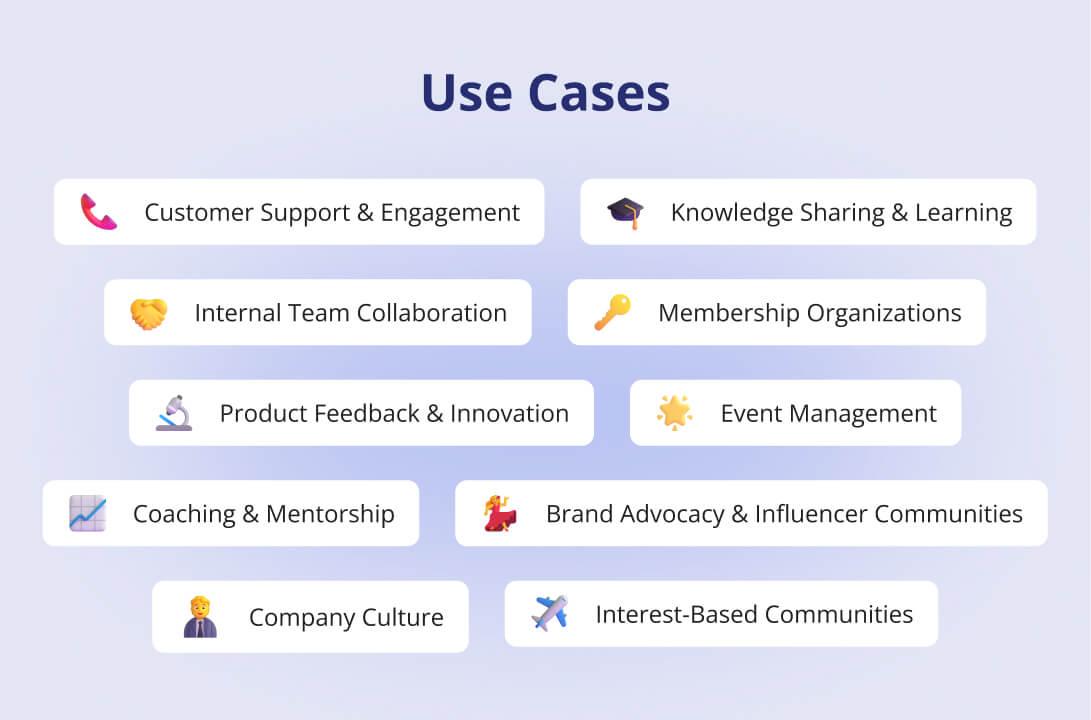
Community platform software serves a variety of purposes across different industries and sectors. Here are some key use cases:
Customer Support and Engagement
Businesses can create customer support communities where users can ask questions, share product experiences, and receive help from company representatives and fellow users.
This reduces the burden on customer service teams while fostering a sense of community among customers.
Knowledge Sharing and Learning Communities
Educational institutions, companies, or professional groups can use community knowledge-sharing platforms.
These platforms enable learners and professionals to exchange ideas, share resources, and collaborate on projects, creating a space for ongoing education and development.
Internal Team Collaboration
For businesses, community platforms serve as a hub for internal communication and collaboration.
Team members can share documents, hold discussions, and collaborate on projects in real time, improving workflow and fostering team cohesion.
Membership Organizations and Associations
Membership-based organizations, like associations and clubs, use community platforms to manage member engagement, organize events, and facilitate networking.
Members can access exclusive content, participate in discussions, and attend events, all within one centralized space.
Product Feedback and Innovation
Companies can create communities for product feedback where customers and users share insights, suggestions, and feature requests.
This helps businesses gather valuable input for future product development and innovation, ensuring products better meet customer needs.
Event Planning and Management
Organizations can use community platforms to manage virtual, hybrid, or in-person events.
These platforms support event registration, content sharing, attendee interaction, and follow-up discussions, creating a seamless experience for organizers and participants.
Coaching and Mentorship
Coaches and mentors can use community platforms to build coaching communities, offering courses, group sessions, or one-on-one mentorship.
These platforms provide tools for communication, learning, and goal tracking, making it easier for clients to engage with the content and the coach.
Brand Advocacy and Influencer Communities
Businesses can create brand advocacy platforms where loyal customers, influencers, or brand ambassadors can connect, share content, and promote products.
These platforms help companies cultivate a dedicated group of advocates who actively participate in marketing efforts.
Employee Engagement and Company Culture
Community platforms are an effective tool for improving employee engagement and fostering a positive company culture.
Companies can keep employees connected, motivated, and aligned with company goals through forums, polls, and internal events.
Hobbyist and Interest-Based Communities
Community platforms can unite individuals with shared interests, such as fitness, cooking, gaming, or crafts.
These interest-based communities allow members to share tips, join events, and collaborate on projects, helping them bond over common hobbies.
The 20 Best Community Platforms
With countless options available, it’s important to identify the right community platform for your specific needs.
Below is an overview of the best online community platforms that you must consider:
1. Innoloft
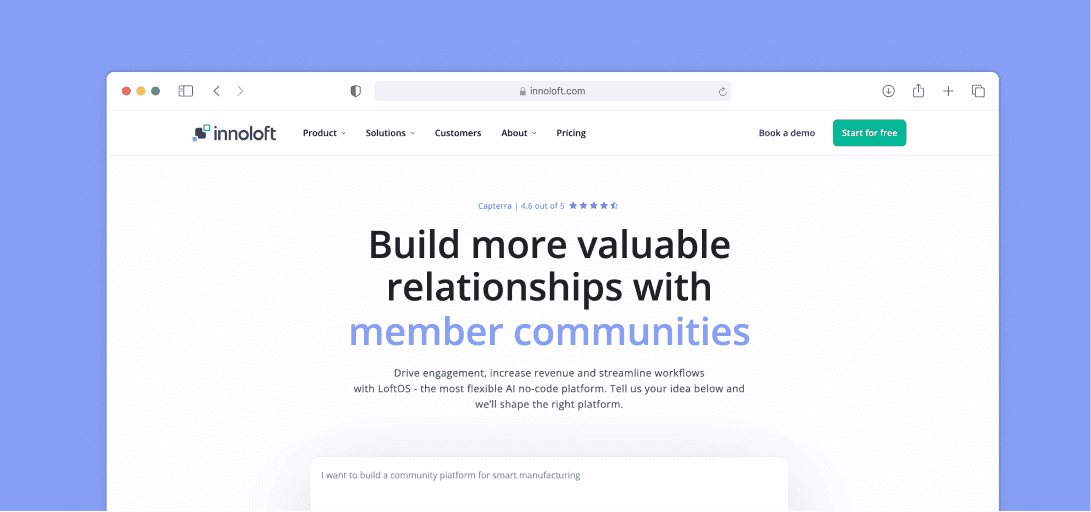
Innoloft is industry-leading community management software that simplifies project launch and management with its no-code platform.
Whether you're a startup or an established business, Innoloft's affordable solution can cut software development costs by up to 80%.
Innoloft is a powerful platform that combines community management, project organization, and process automation.
With Innoloft, you can easily customize user access, operate in multiple languages, and streamline communication, all while creating a seamless experience for your members.
Here are some of the features Innoloft offers:
- No-code platform that lets you launch projects quickly without relying on developers
- Advanced content organization by categories like technology type, market, and location, ensuring easy navigation for your users
- Customizable sign-up and login options to control access and improve security
- Built-in messaging system featuring private chats, group messages, and chat rooms for smooth communication
- Custom branding options to match your platform’s design with your brand, including colors and logos
- Widgets to highlight key features, events, or content and keep your community engaged
- Supports multiple languages ideal for global communities
Innoloft also integrates with external tools via widgets and APIs to give you the flexibility to build the perfect community space.
Its intuitive design allows you to manage everything from user sorting and categorization to targeted communications, making it easy to focus on growing your community.
In addition to its powerful feature set, Innoloft is one of the most budget-friendly platforms, helping you save costs while delivering an exceptional user experience.
Pricing
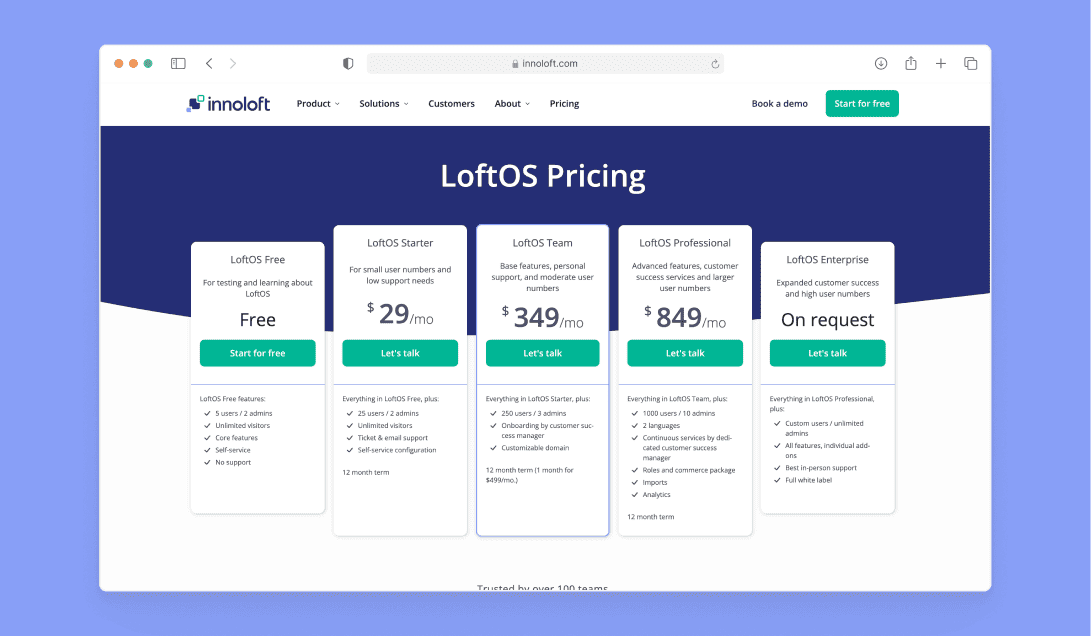
Innoloft is the best online community platform, offering a variety of plans tailored to meet the needs of different communities:
- LoftOS Free: Perfect for testing and exploring the platform with no financial commitment
- LoftOS Starter: For $29/month, ideal for smaller communities needing basic tools with ticket and email support
- LoftOS Team: At $349/month, it provides core features, personal onboarding by a customer success manager, and a custom domain
- LoftOS Professional: Priced at $849/month, ideal for larger communities requiring advanced features, dedicated customer success services, analytics, and exports
- LoftOS Enterprise: Pricing on request for organizations needing expanded customer success, high user numbers, and full white-label solutions
Innoloft's all-in-one platform provides everything you need to manage, engage, and grow your community—without the need for extensive coding or complex integrations.
2. Mighty Networks
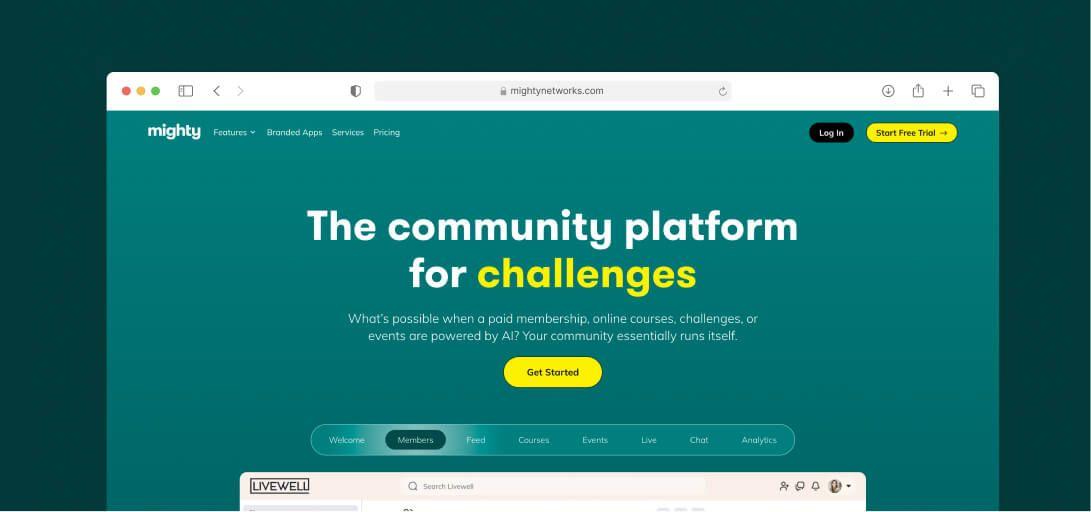
Mighty Networks offers many features to help creators and businesses build and engage with their communities.
It includes discussion forums, video content, articles, polls, and live streaming, all built-in to keep members connected.
It offers a dynamic course platform for course creators with live events, discussions, and a flexible LMS for easy content delivery.
Pros
- People Magic feature uses AI to connect members based on shared interests
- Responsive and helpful customer support
- Modern and visually appealing design
- Provides regular tips and tricks via email and community site
Cons
- Lacks auto-enrollment and action-based triggers,
- Menu options can be disorganized
- Limited to English language support only
Pricing
- The Launch Plan at $79/month is great for creators looking to launch a thriving community with AI Cohost, community, and courses features included.
- The Scale Plan at $179/month is fit for communities ready to scale, adding multi-feature spaces, APIs and integrations, and migration services.
- The Growth Plan at $354/month provides advanced automations, simultaneous promotions, growth expert sessions, and priority support for scaling teams.
- The Mighty Pro Plan suits large organizations needing full customization with branded apps and a dedicated strategy team — pricing on request.
If you're exploring Mighty Networks alternatives, it's worth noting that while Mighty Networks excels in community building, other platforms might offer different features that better suit your needs.
3. Discord
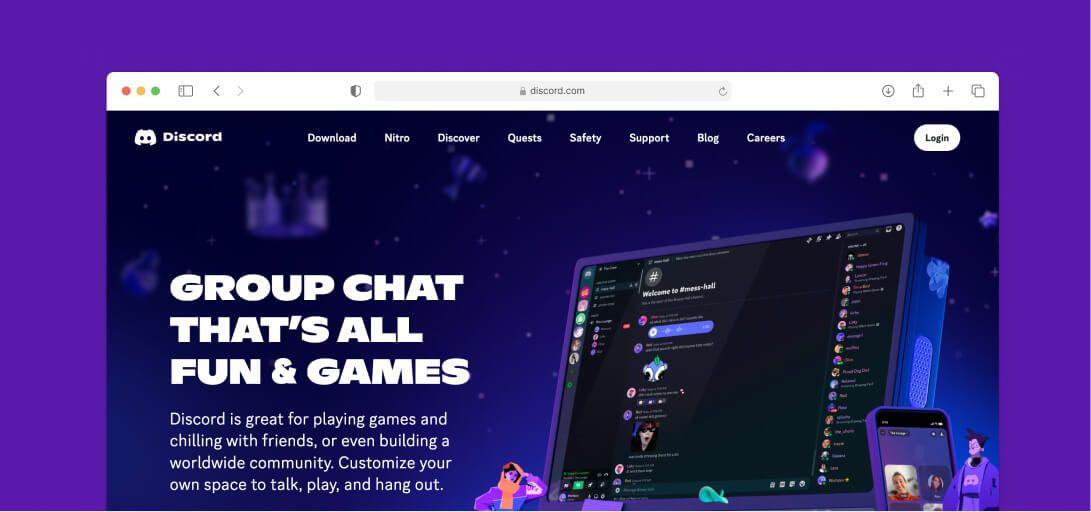
Discord is a popular community platform originally built for gamers. It now hosts a wide variety of communities and has over 150 million users.
It allows users to create and manage communities, or “servers,” for specific purposes such as gaming, hobbies, or professional groups.
Pros
- Free and simple to use
- Supports various types of communities
- Group mentions and multiple forums in one app
Cons
- Hard to leave group chats
- Overwhelming notifications in active servers
- Frequent update prompts
Pricing
Discord is free to use, offering features like chat, voice, and video for community management. However, advanced features such as higher-quality streaming and larger file uploads require a paid Nitro subscription.
4. Influitive
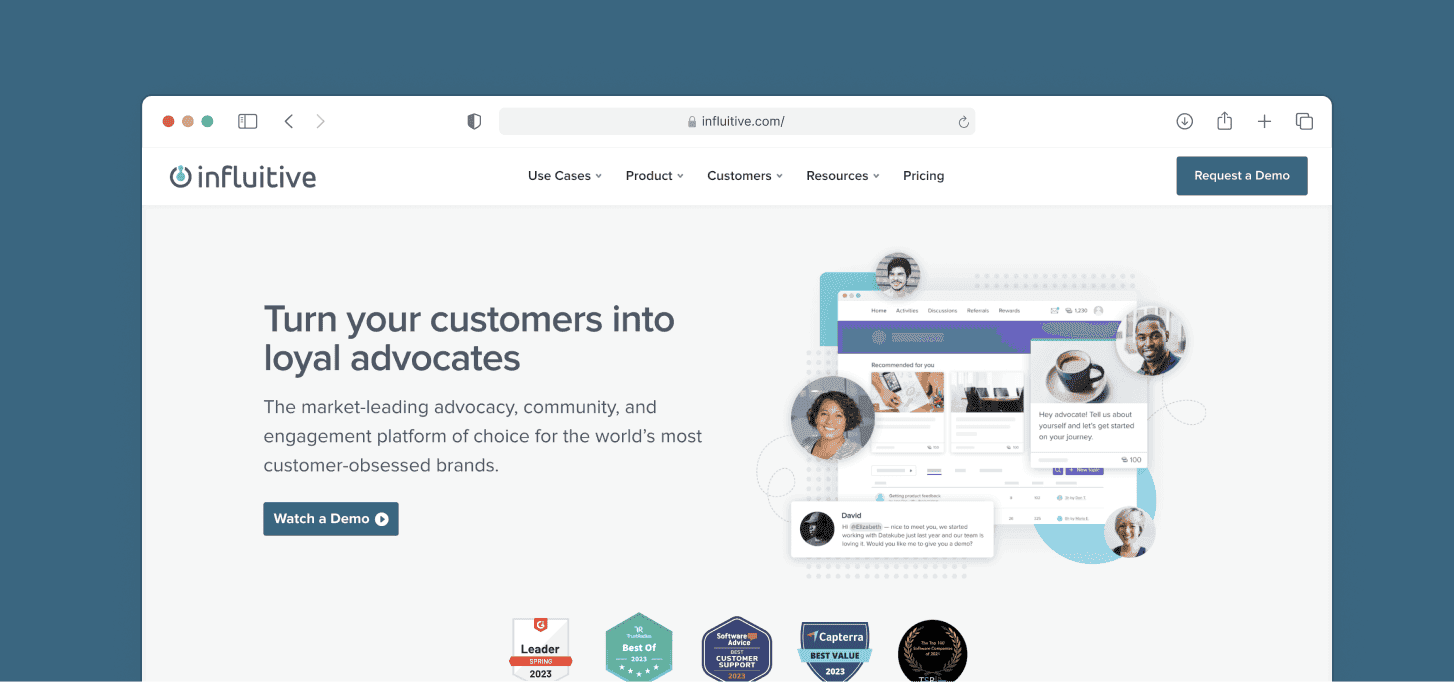
Influitive helps build a community of advocates by inviting customers, developers, partners, and employees to participate in challenges, referrals, product reviews, and more.
Pros
- Great for gamification and engagement
- Useful reporting and dashboard tools for insights
- Easy to create and reward challenges
Cons
- Some users struggle with platform issues and support
- The reporting interface could be better
- Takes time to learn how to set up challenges
Pricing
Influitive offers custom pricing for its Customer Advocacy and Digital Community plans. For details, you’ll need to reach out to their sales team.
5. Hivebrite
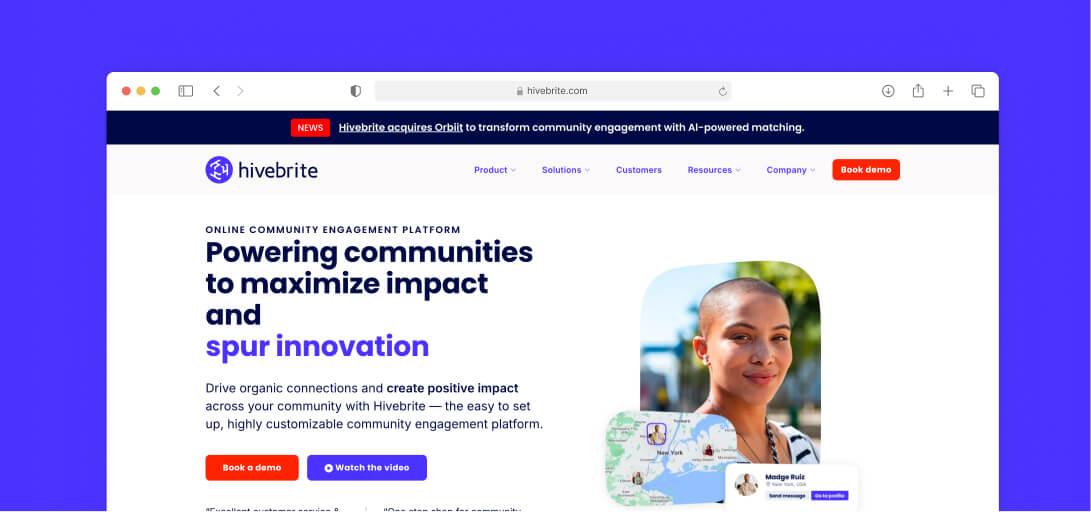
Hivebrite is a powerful platform that allows organizations to create and manage branded private communities to achieve their goals.
It’s used by a wide range of industries, from alumni networks and professional associations to nonprofits and corporations.
Pros
- Easy to search for and connect with community members
- Responsive customer support
- Simple to post and read content
- Easy to send emails directly to inboxes
Cons
- Limited customization of user experience
- Backend navigation can be difficult
- Extra cost for community analytics
Pricing
Hivebrite pricing is customized based on your needs. You can contact their sales team for pricing details.
6. Higher Logic Vanilla
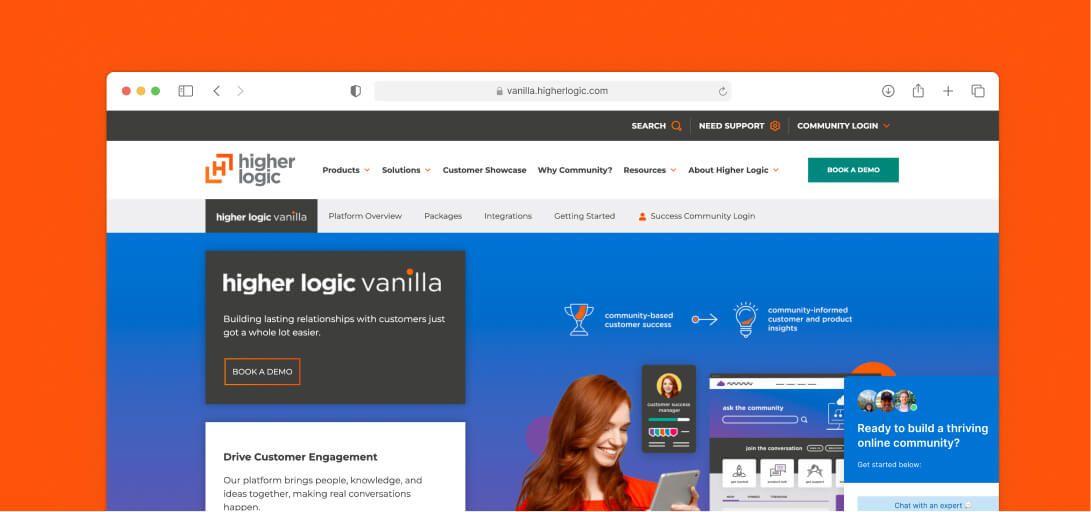
Higher Logic Vanilla is an enterprise community solution known for its sleek user experience, deep integration capabilities, and customizable features, including gamification, Q&A, and scalable knowledge bases.
Pros
- Easy setup with out-of-the-box options for non-technical users
- Seamless integration with popular CRMs
- Responsive and helpful customer support
Cons
- Customization needed to improve visual design
- Limited theming and CSS options for the Knowledge component
- The editor lacks basic features like tables and image resizing
Pricing
Higher Logic Vanilla offers customized pricing plans:
- Essentials: Basic community features for single-use cases or beginners
- Corporate: Extra tools for more advanced communities and multi-product companies
- Enterprise: Scalable features for large, complex community needs
Optional add-ons like Moderation Services and Launch Concierge are also available.
7. Disciple
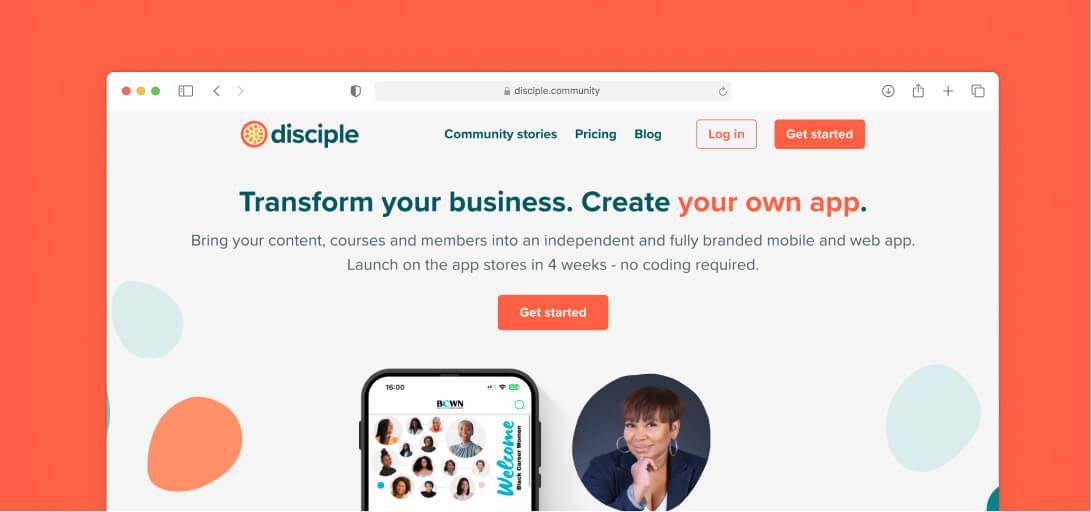
Disciple helps people build independent, valuable, and trusted communities in a space they own and control.
It allows community owners to create groups, post content, livestream, sell courses, and use analytics to better understand their audience. The platform is available on the Web, iOS, and Android.
Pros
- Easy to share perks, events, and news
- Customizable to fit brand and community needs
- Supports multiple content types like text, media, and events
Cons
- Initial setup can be time-consuming
- Limited third-party integrations
- Mobile experience could be improved
Pricing
Disciple offers four pricing plans, all paid annually and including a branded app on iOS and Android:
- The Branded App plan costs €349/month and gives you your own app in the app stores with you listed as the developer, unlimited members, 2 admin seats, 5 groups, and onboarding support.
- The Branded App Plus plan is priced at €549/month and adds no mention of Disciple anywhere in your app, 5 admin seats, 10 groups, a success manager, a custom domain, and a monetisable course.
- The Branded App Pro plan at €849/month adds multi-host livestreams, multi-tiered pricing, unlimited admin seats, unlimited groups, and API access.
- Their Organisation plan offers a fully custom package for large organisations that need extra support — pricing on request.
8. Kajabi
Kajabi is an all-in-one platform designed for creators and entrepreneurs to build online businesses. It offers tools to create courses, memberships, podcasts, coaching experiences, and more.
Pros
- Easy course setup and backend management
- Smooth integration with Zapier for automation
- All-in-one platform for courses, websites, and emails
Cons
- Pricing may be high for some users
- Limited customization for advanced users
- Interface can feel crowded with too many options
Pricing
Kajabi offers three pricing plans to suit different business needs.
- The Basic plan at $143/month provides everything needed to start running your business, including 5 products, 2,500 contacts, 1 website, and 1 community.
- The Growth plan at $199/month offers tools to accelerate business growth, including 50 products, 25,000 contacts, and 11 admin users.
- The Pro plan at $399/month is designed for scaling businesses with unlimited products, 100,000 contacts, 3 websites, 3 communities, and dedicated support.
9. Bettermode
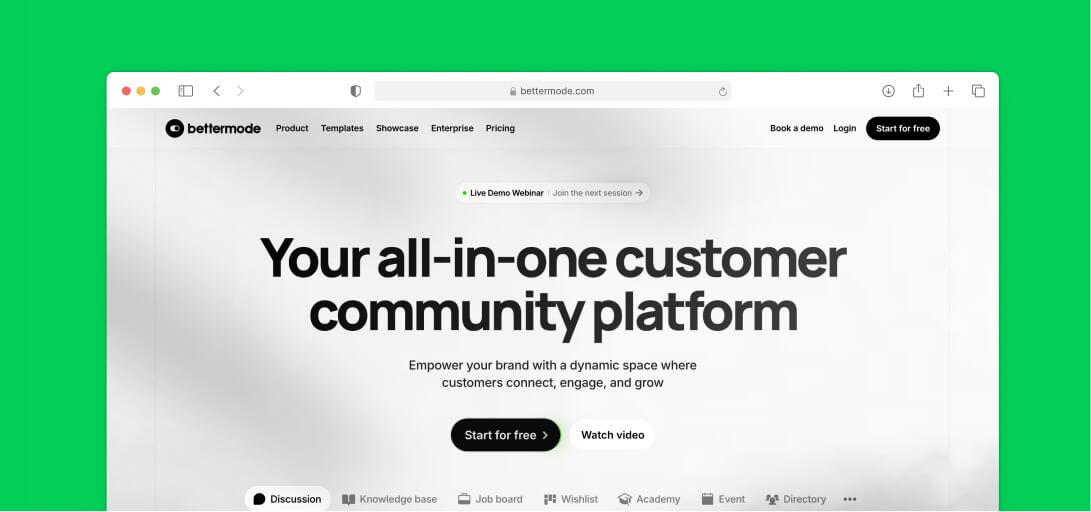
Bettermode is an all-in-one customer community platform designed to improve customer experience, boost community engagement, and build strong relationships.
It offers features like embeddable widgets, gamification, direct messaging, comprehensive API, analytics, and integration with popular tools.
Pros
- Easy-to-use and professional platform with quick setup
- Custom code plugins allow for easy feature additions
- Strong user analytics and Google Analytics integration
Cons
- Notifications don’t display correctly in some email programs like Outlook
- Emails often get caught in spam filters
- Missing post scheduling and more required fields for registration
Pricing
Bettermode pricing: Bettermode offers three pricing plans.
- The Starter plan, at $399/month, is ideal for SaaS companies looking to launch a branded community with up to 10,000 members, core apps (Q&A, Discussion, Events, Polls), private messaging, and chat support.
- The Growth plan, at $1,500/month, is designed for SaaS companies ready to scale their branded community to up to 25,000 members, with the addition of AI search, API and webhooks, a sandbox environment, and onboarding support.
- For larger brands or enterprises, the Premium plan provides advanced scalability, security features including SOC II, JWT, and SAML, a dedicated customer success manager, and a 99.9% uptime SLA — pricing on request.
10. Circle
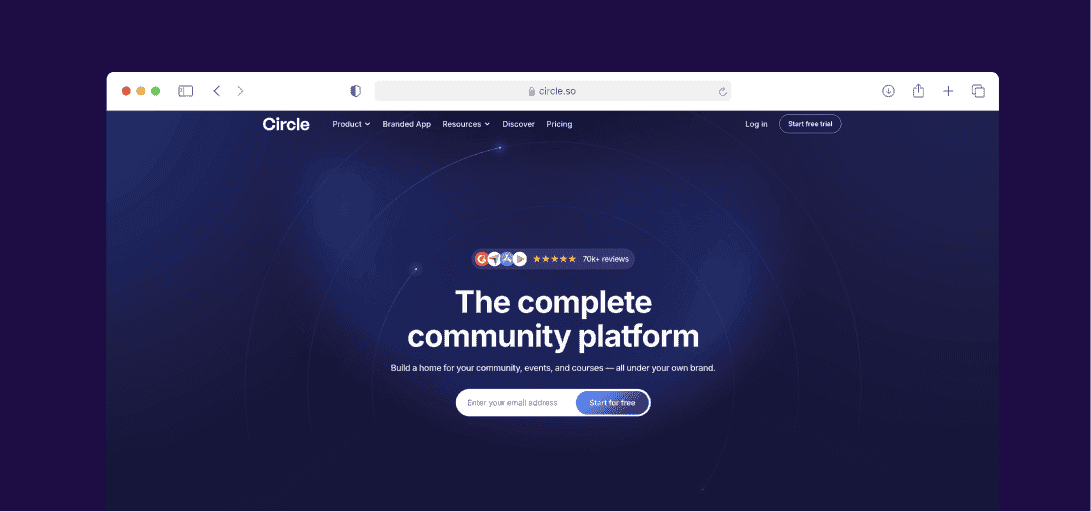
Circle is an all-in-one community platform for creators and brands that offers tools to manage communities, events, and courses in one place.
It includes built-in payment processing, analytics, and a customizable environment to create the ideal member experience.
Pros
- Easy-to-use interface and navigation
- Full control over design, not tied to social media
- Offers group coaching and one-on-one support
Cons
- Only supports Stripe for payments
- Slow, lower-quality support, mainly through a spammy Q&A community
Pricing
- The Professional plan, at $89/month, is ideal for individuals or small businesses looking to get key community building features all in one place.
- The Business plan is priced at $199/month and adds workflows, custom profile fields, headless member API, branded email notifications, content co-pilot, automated transcriptions, and removes Circle branding.
- For large organizations, Circle Plus offers AI agents, custom single sign-on, advanced analytics, a dedicated customer success manager, and optional branded apps — pricing on request.
11. Facebook Groups
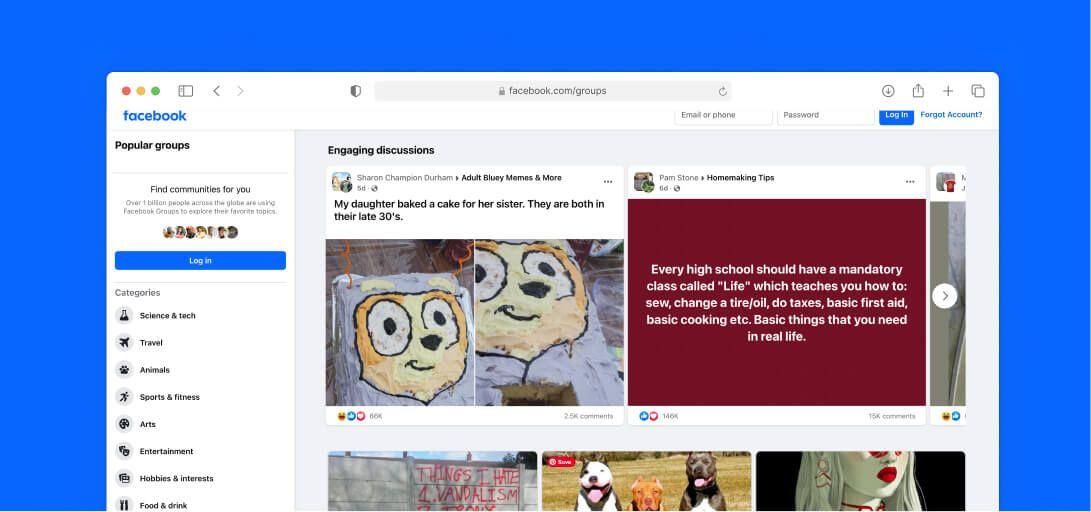
Facebook Groups provide Page owners with a platform to build and manage engaged communities among existing and potential customers.
The built-in tools allow group admins to manage membership, moderate discussions, and share content like events, polls, and live videos.
Pros
- Control over who joins, with member screening options
- Easy to use with regular activity notifications
- Privacy options for secure, invite-only groups
- Encourages customer engagement and direct interaction
Cons
- Members can request to join without answering the required questions
- Limited post reach; content may not appear in all news feeds
- Risk of losing group contacts if Facebook shuts down the account
Pricing
Facebook Groups is free with basic tools like events and polls. However, monetization is limited, and post visibility often depends on paid ads.
12. Slack
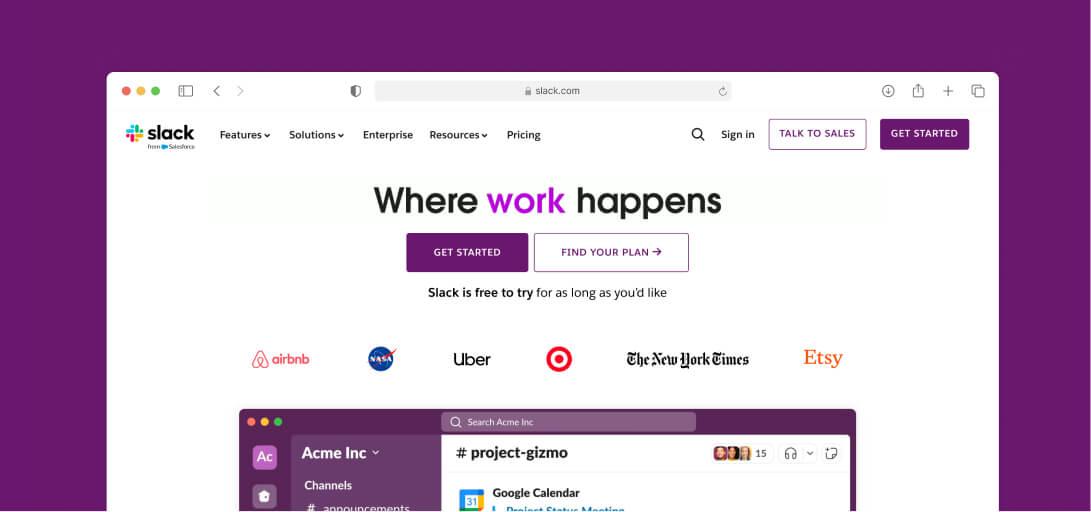
Slack is a centralized workspace for teams, offering real-time messaging, file sharing, and integration with various tools. It provides searchable conversations, call features, and app compatibility, making it easy for teams to stay connected and organized.
Pros
- Easy integration with apps and tools
- Lists and Canvas enhance collaboration
- Works with Google Drive, Jira, and Zendesk
- Accessible on mobile and desktop
Cons
- Logs out after inactivity
- Slow replies in threads, no quick shortcuts
- Sometimes unable to load older conversations
Pricing
- The Pro plan, at $7.25/month per user, is ideal for small teams needing essential collaboration tools with unlimited message history and group audio and video meetings.
- The Business+ plan, priced at $15/month per user, offers advanced identity management, AI features, a 99.99% uptime SLA, and priority support.
- For larger organizations, the Enterprise Grid plan provides the most robust features and scalability, with custom pricing available.
13. Wild Apricot
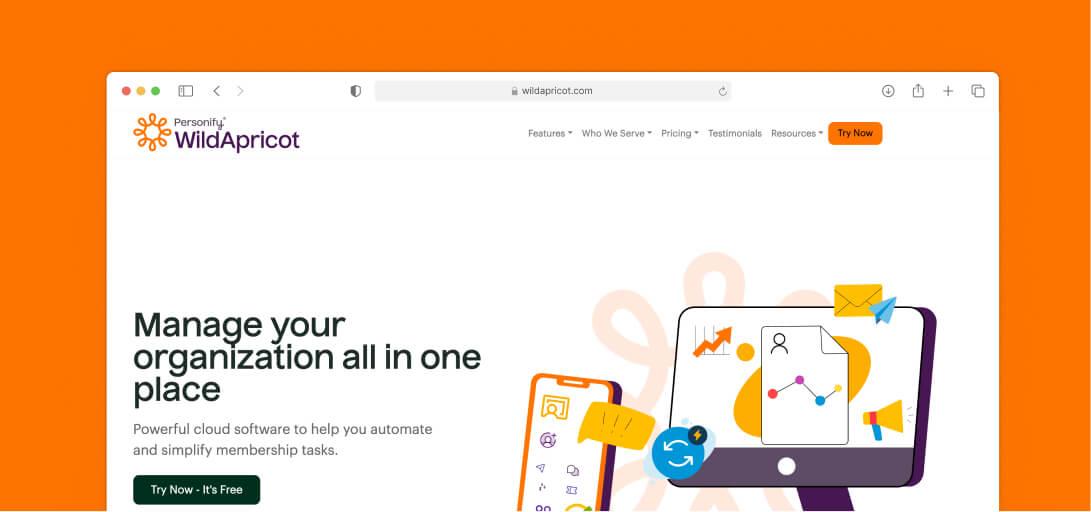
Wild Apricot is an all-in-one membership management software designed for associations, no profits, clubs, and other membership-based organizations. It helps over 30,000 organizations manage contacts, create newsletters, process payments, and register event attendees.
Pros
- Allows users to self-manage websites and create events easily
- Offers flexible website themes and excellent event, contact, and member management tools
Cons
- Lacks a simple option to set up event surveys
- Customer support can be inconsistent
- Limited member search capabilities
Pricing
Wild Apricot offers eight pricing plans to fit organizations of various sizes, starting at $59.40/month for up to 100 contacts and scaling up to $803.25/month for 50,000 contacts (both based on annual billing).
14. Discourse
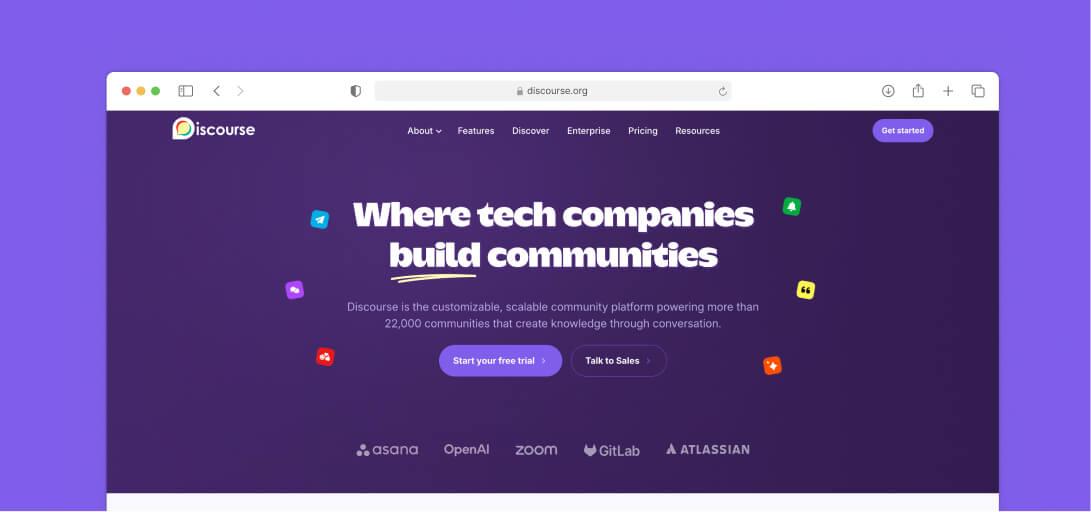
Discourse is a modern platform designed for building online communities. It offers tools for discussion forums and chat rooms that allow users to communicate, collaborate, and share information easily.
Pros
- Easy-to-use forum for open discussions
- Customizable with topics, categories, and user engagement tracking
Cons
- Basic UX; advanced customization requires effort
- Limited to forum features, no broader community tools
Pricing
Discourse pricing is structured around community size and feature needs.
- The Free plan is $0/month, suitable for small communities with a free domain, unlimited members, and 2 staff seats.
- The Starter plan, at $20/month, adds unlimited public and private categories, custom groups, community summary emails, and email support.
- The Pro plan, priced at $100/month, adds custom domains, API and webhook access, 15+ plugins, and 5 staff seats.
- The Business plan at $500/month is ideal for larger organizations needing advanced reporting and analytics, priority support, migration services, and 15 staff seats.
- For large-scale operations, the Enterprise plan offers custom pricing with tailored solutions including a 99.9% uptime guarantee and 50+ plugins.
15. BigMarker
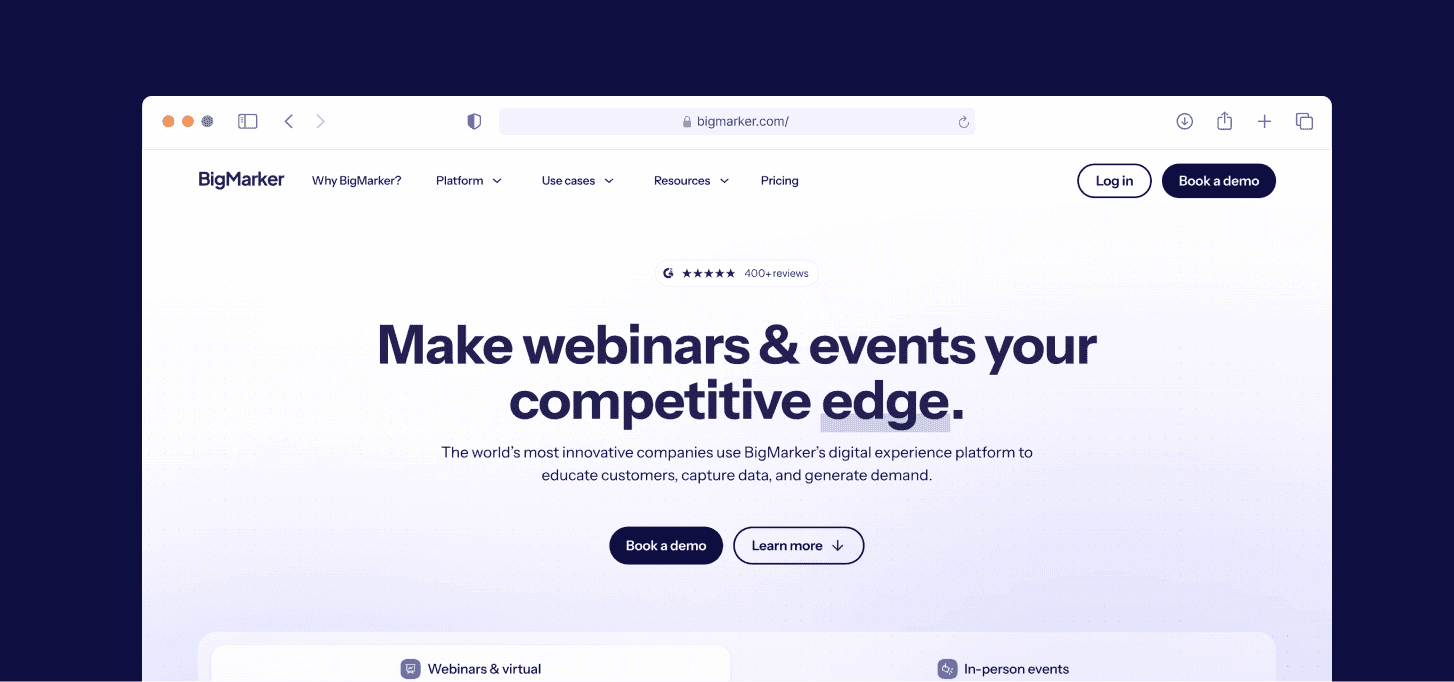
BigMarker is a highly customizable platform for hosting webinars, virtual, and hybrid events. It combines advanced video technology with marketing and interactive features to create branded online communities and engaging events.
Pros
- Easy-to-use interface
- Interactive features like polls, Q&A, chat, and breakout rooms
- Detailed analytics for post-event insights
- Extensive customization for emails and landing pages
Cons
- Occasional connectivity issues
- Extra costs for exhibitor booths to look more professional
- No option for attendees to upload photos
Pricing
- BigMarker offers three pricing options:
- Webcast Plans for webinars and smaller events
- Event Packages for larger virtual and hybrid events
- Media Hubs for managing and sharing content
Each plan can be tailored to your needs, with pricing available by contacting their sales team.
16. Thinkific Plus
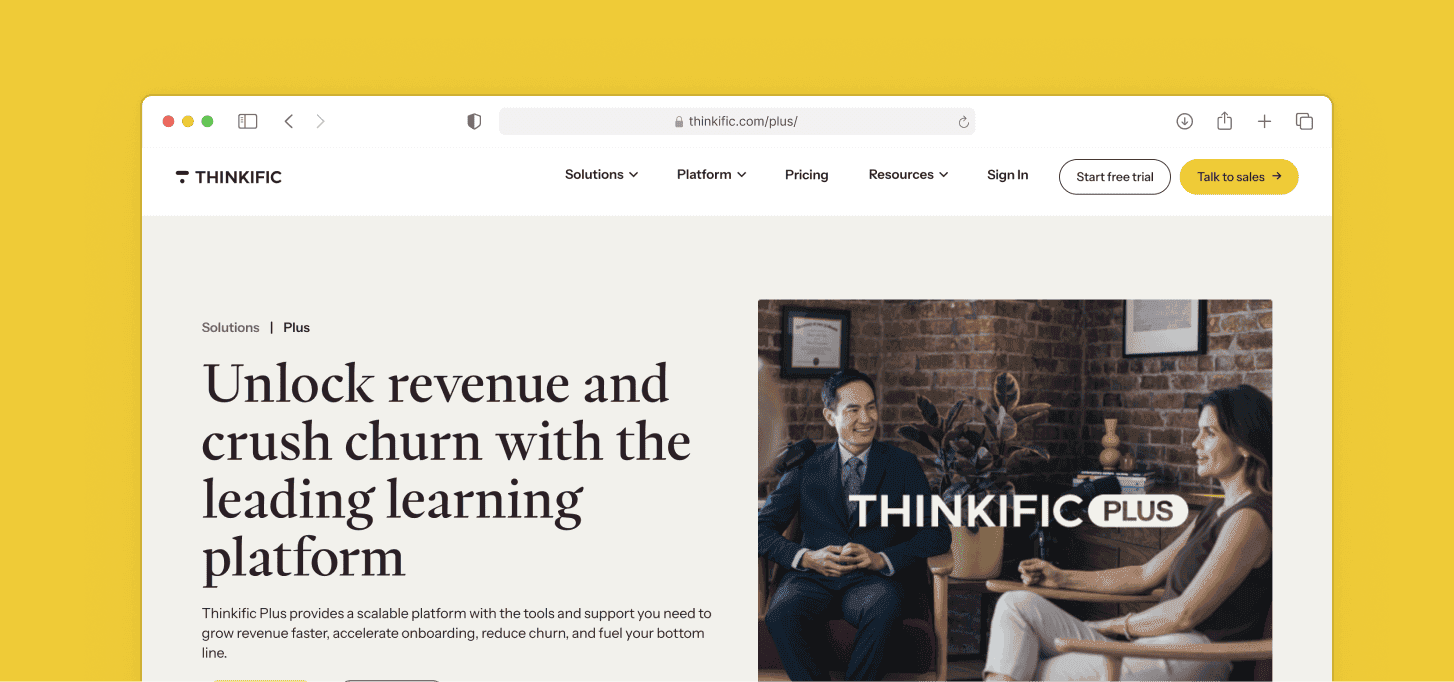
Thinkific Plus is a scalable, user-friendly learning platform for administrators and learners. It offers enterprise-level features that grow with your organization and a dedicated support team to help you succeed.
Pros
- User-friendly for both admins and learners
- Stores all courses in one place
- Tracks completion certificates easily
- Simple course building for teams and organizations
Cons
- Removing a course from a bundle doesn’t remove user access
- Glitch when managing community members in cohorts
Pricing
- The Basic plan at $36/month is ideal for those just starting out with online courses, including unlimited courses, one community, and five digital downloads.
- The Start plan, priced at $74/month, provides more features for growing businesses, including unlimited live events and coaching sessions, certificates, assignments, and advanced sales tools.
- The Grow plan at $149/month is designed for scaling organizations that need advanced tools including the ability to remove Thinkific branding, enhanced analytics, and professional support.
- Thinkific Plus is tailored for premium services designed for high-growth businesses and teams, with pricing on request.
17. Gainsight
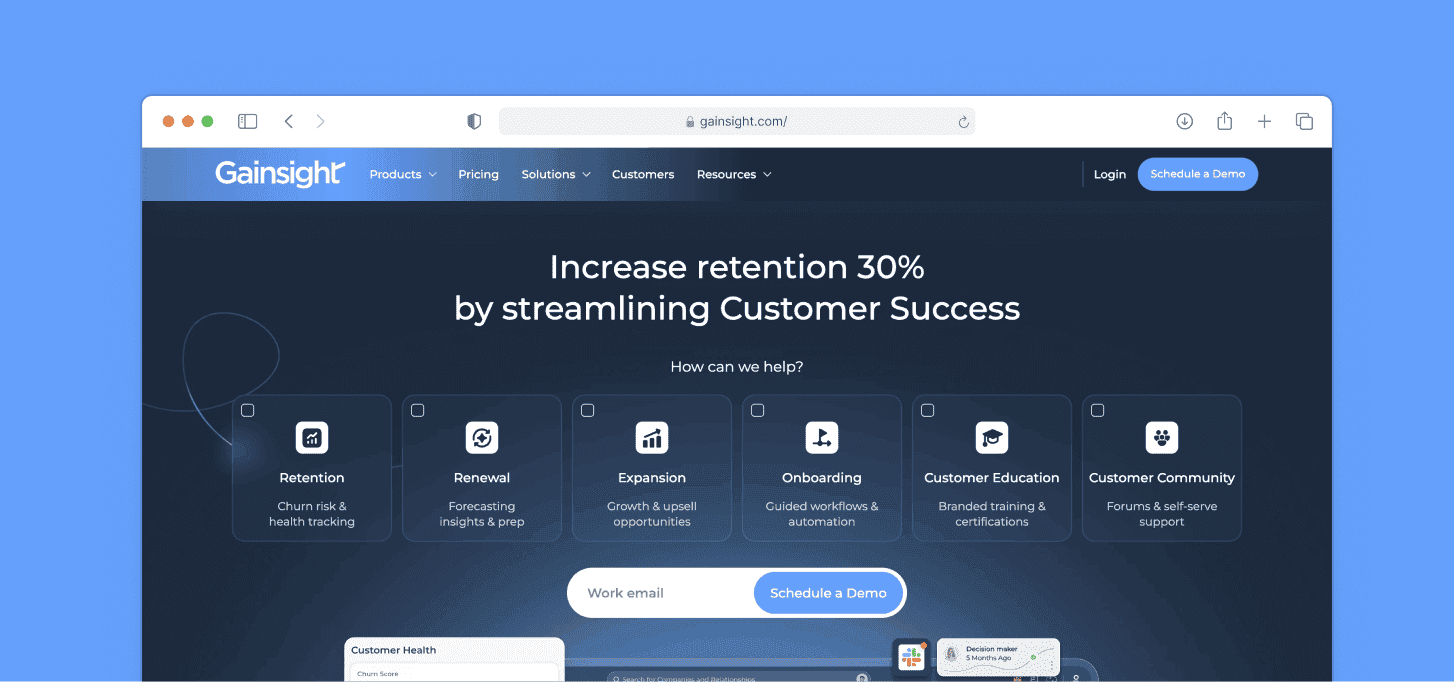
Gainsight Customer Communities is a centralized platform that brings together customers, resources, and products to boost engagement, retention, and customer satisfaction.
It provides tools for building user communities and offering a unified experience for customers to access resources and support.
Pros
- Easy setup and customization with minimal coding
- Simple setup with out-of-the-box (OOTB) integrations
- Simple admin controls for managing the community
- Strong customer support
Cons
- Complicated permissions for private communities
- Slow support responses
- Users can't easily edit topic titles or change formats
Pricing
- Gainsight offers custom pricing with AI insights and automation included.
- The Essentials plan is for growing businesses and Customer Success teams needing a quick start
- The Enterprise plan offers advanced features and scalability for larger organizations
18. Bubble.io
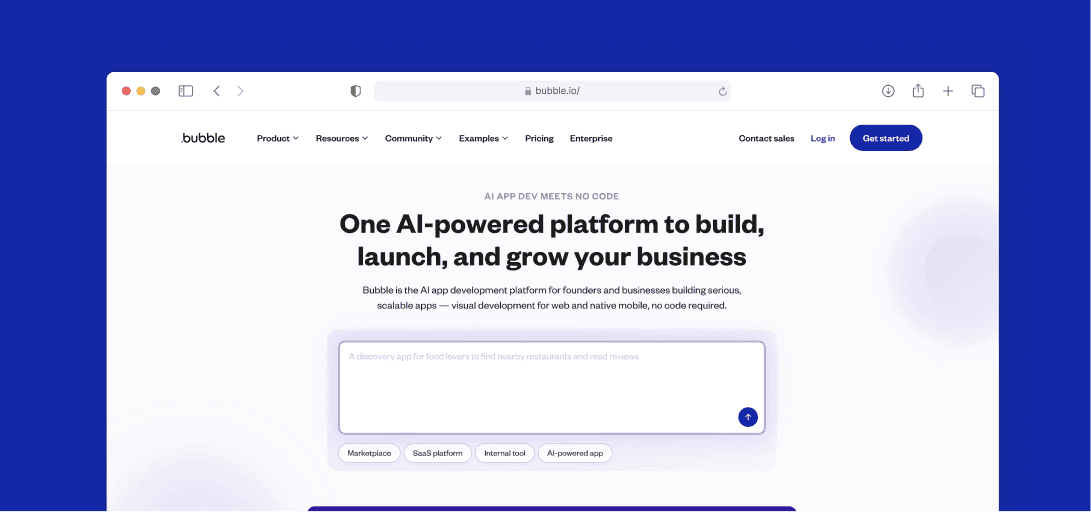
Bubble.io is a no-code platform that enables users to build web applications, from simple prototypes to complex SaaS platforms, marketplaces, and CRMs.
Bubble allows over 3 million users to create web applications, including startups that have raised millions in funding and participated in programs like Y Combinator and Techstars.
Pros
- Prebuilt login/sign-up component
- Development without disrupting live app
- API and plugin integrations
- Reusable elements for faster development
Cons
- No prebuilt tabs; manual setup needed
- No CSS classes in the core product
- Difficult to export apps and data to other platforms
Pricing
- The Free plan is ideal for learning how to use the platform and building projects under construction.
- The Starter plan, at $59/month, is designed for launching and testing your app, with a live website, custom domain, recurring workflows, and basic version control.
- For businesses looking to expand, the Growth plan at $209/month helps grow your user base with premium version control, two-factor authentication, and 250K workload units per month.
- The Team plan, at $549/month, is suited for scaling teams and businesses, including sub-apps, five app editors, and 500K workload units per month.
- For large-scale operations with maximum security needs, the Enterprise plan offers custom pricing and features.
19. Softr.io
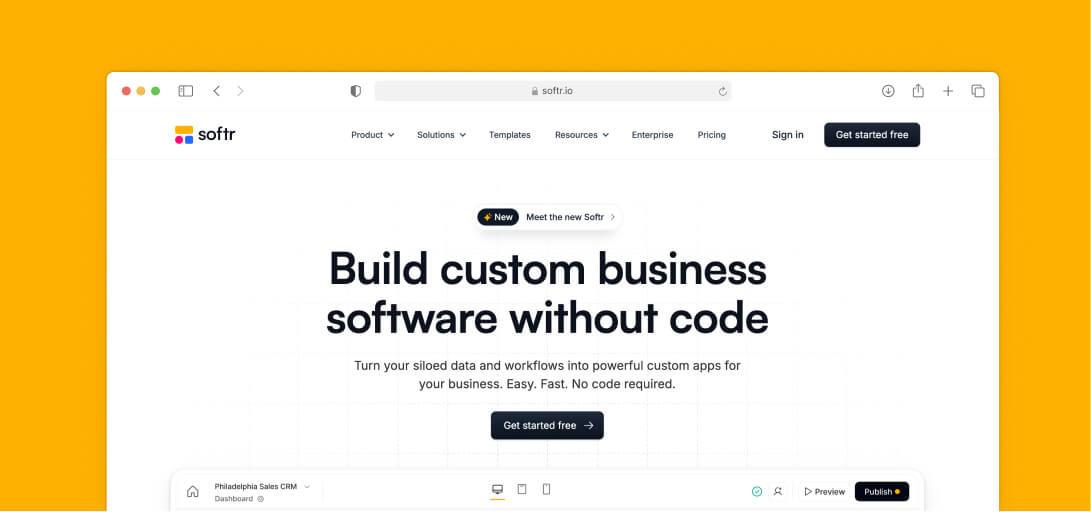
Softr is a no-code platform that allows organizations to build a custom platform and automate processes without needing coding skills or relying on developers.
It offers an intuitive interface with integration options for other tools, making it accessible for users of all levels.
Pros
- Easy to use, no coding needed
- Customizable with a block-based interface
- Integrates well with Airtable
- Drag-and-drop and templates for quick, professional websites
Cons
- Limited block customization, though improvements are planned
- Advanced features are somewhat restricted
Pricing
Softr.io offers flexible plans for different business needs.
- Free Plan offers no-code features, ideal for trying out basic platform capabilities
- Basic Plan at $49/month fits small projects or makers creating simple systems
- Professional Plan at $139/month is designed for companies building portals or internal tools
- Business Plan at $269/month is suitable or companies developing advanced systems at scale
- Enterprise Plan has custom pricing for companies needing higher volume, security, and dedicated support
20. B2Match
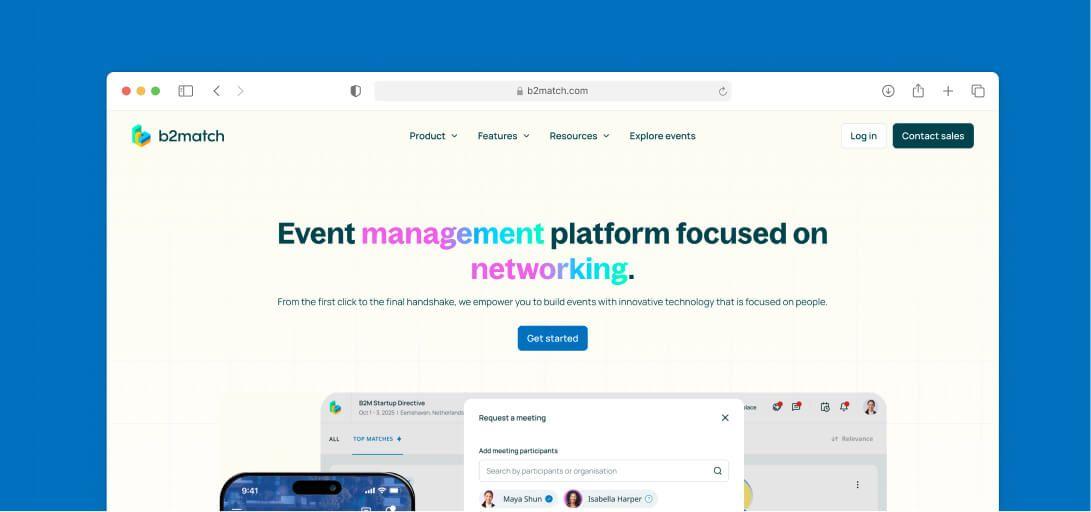
B2Match is an event management platform suitable for in-person, virtual, and hybrid events. It offers features like customizable networking blocks, registration, event websites, and participant profiles.
Pros
- Easy to use, even for beginners
- Strong event, booking, and attendee management
- Smooth registration and scheduling process
- Responsive customer support
Cons
- Some users face registration issues
- Limited package customization options
Pricing
- The Starter plan is available from €699/year and is perfect for small gatherings, workshops, or focused B2B meetings with up to 100 participants and basic event management tools.
- The Basic, Professional, and Professional Plus plans are designed for conferences, seminars, multinational events, and international summits respectively — pricing on request for all three.
- For tailored needs, a custom solution is also available — pricing on request.
Essential Features to Look For in a Community Platform
When considering community software, it’s important to focus on features that support community-building, knowledge-sharing, and engagement. Here are the essential community features to look for:
1. Discussion Forums & Messaging Tools
These features are the backbone of any community platform. Discussion forums allow members to engage in long-form conversations on various topics, while messaging tools enable real-time, private, or group chats.
Together, they encourage continuous interaction and knowledge sharing among community members.
2. Content Creation & Sharing Capabilities
Creating and sharing content can drive engagement. Platforms should offer multiple content formats like text, videos, polls, and documents.
Easy-to-use content creation tools enable members to contribute valuable resources, which builds an active and informed community.
3. Event Management Tools
Event management allows community leaders to host virtual or in-person events, webinars, or live Q&A sessions.
Platforms with built-in scheduling, promotion, and registration tools make it easy to organize events, which strengthens community connections and boosts participation.
4. Customizable Member Profiles
Custom member profiles let users display their interests, skills, and achievements.
Detailed and searchable profiles help members find common ground, build stronger relationships, and enhance networking within the community.
5. Gamification and Engagement Features
Gamification features, such as badges, points, and leaderboards, incentivize members to engage more actively.
These features can drive friendly competition, increase participation, and encourage users to contribute to discussions, events, and content creation.
6. Moderation and Admin Controls
Effective moderation tools are vital to maintaining a positive and safe environment. Admins should be able to manage discussions, approve content, and enforce community rules.
Admin controls also allow for the organization of users, setting permissions, and customizing platform settings to ensure smooth operation.
7. Custom Branding Options
For a cohesive and professional community experience, look for platforms that allow you to fully customize the interface to match your brand.
Custom branding options like colors, logos, and layouts help create a seamless, branded environment that reflects your organization’s identity.
8. Analytics and Reporting
Analytics tools provide insights into member engagement, content performance, and overall community health.
With detailed reports, community leaders can understand trends, identify popular content, and adjust strategies to better serve their audience and improve community building efforts.
9. Mobile Accessibility
A mobile-friendly platform or dedicated mobile app ensures that members can engage with the community from anywhere.
This feature is key to maintaining high levels of knowledge sharing and participation, especially for users who rely on mobile devices.
10. Third-Party Integrations
Integration with third-party tools like CRM systems, email marketing software, and payment gateways expands the functionality of the platform.
These integrations streamline workflows, making it easier to manage and grow the community while providing a better experience for members.
How To Choose The Best Community Platform Software
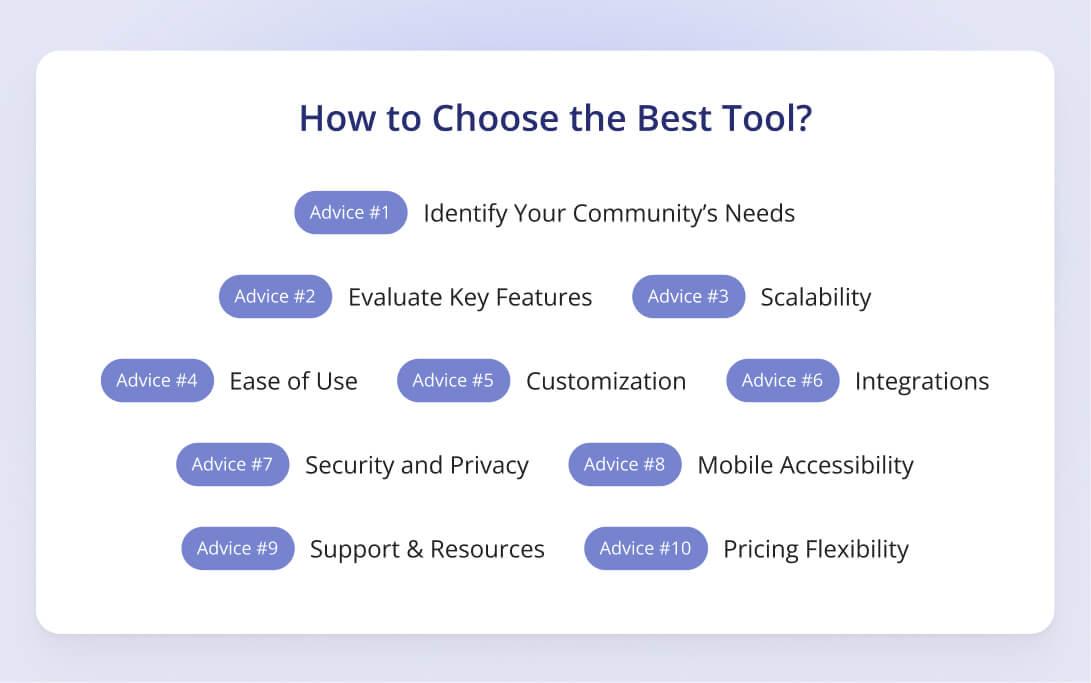
Selecting the right community platform software is crucial for building and maintaining an engaged community. If none of these vendors fit — or you're aiming at a multi-stakeholder ecosystem — see our walkthrough of how to build your own community platform without writing code.
Identify Your Community’s Needs
Start by understanding what your community requires.
Do you need a platform for knowledge sharing, event management, or customer support?
Knowing your community's goals will help you choose software that offers the necessary features, such as discussion forums, messaging tools, or event registration.
Evaluate Key Features
Look for platforms that offer essential community features needed to build engagement. This includes discussion forums, content creation tools, chat options, and customization for member profiles.
If you need more advanced tools like gamification, analytics, or integrations, ensure that the platform provides them.
Scalability
Consider how the platform will scale as your community grows. You must choose software that can handle an increasing number of users without compromising performance.
Also, look for flexible pricing plans that allow you to upgrade features as your community expands.
Ease of Use
The platform should be intuitive for both administrators and members.
A user-friendly interface will make managing the community easier, setting up events, and encouraging participation. It should require minimal training so members can engage without frustration.
Customization and Branding
Your community platform should allow for customization to match your brand’s look and feel.
Custom branding options help create a cohesive experience for your members such as changing colors, logos, or layouts.
Integration with Other Tools
Ensure the platform can integrate with the tools you already use, such as CRMs, email marketing systems, or payment gateways.
Third-party integrations help simplify your workflow and provide a more unified experience for both you and your members.
Security and Privacy
Security is a major concern when dealing with online communities. You must look for platforms that offer secure data encryption, user authentication, and role-based access control.
It’s also important to choose a platform that complies with data privacy regulations like GDPR.
Mobile Accessibility
If your community is likely to access the platform on mobile devices, ensure the software is mobile-friendly or offers a dedicated app.
Mobile accessibility ensures continuous engagement by allowing users to interact with the community from anywhere.
Support and Resources
Check the level of customer support the platform provides. Some platforms offer 24/7 support, while others may provide only limited assistance.
Also, check for resources like tutorials, FAQs, and knowledge bases that can help you and your team navigate the platform easily.
Cost and Pricing Flexibility
Consider your budget and what each pricing tier offers. Platforms often provide free versions with limited features and paid plans that scale with community size and complexity. Ensure that the pricing aligns with the value and features your community needs.
Fuel Your Community’s Growth With Innoloft
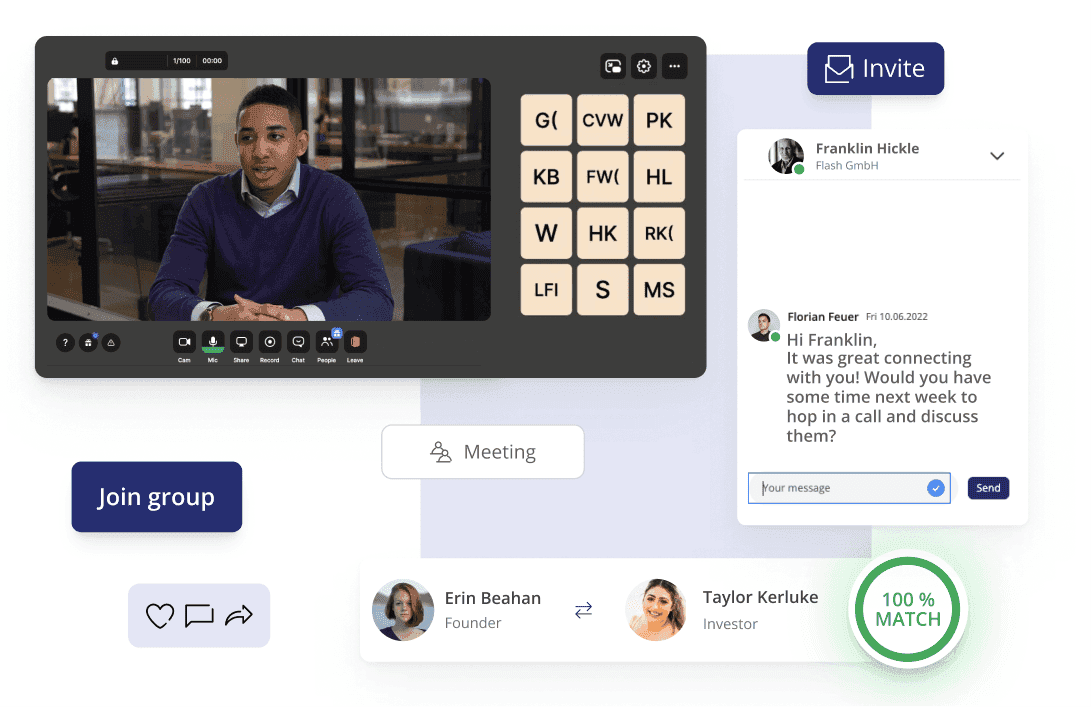
Bring your community closer with Innoloft's no-code platform. You can easily build, manage, and scale your community without the need for complex coding or expensive development teams.
Start creating meaningful connections and growing your community today with Innoloft’s powerful tools and flexible pricing plans.
Transform the way you engage with your members. Start a free trial or book a demo today!
FAQs About Community Platforms
Can I monetize a community on these platforms?
Yes, many community platforms allow for monetization through features like paid memberships, courses, events, and exclusive content. You can offer different pricing models, such as subscription fees or one-time payments, to generate revenue from your community.
How do community platforms handle member engagement?
Community platforms use tools like push notifications, email updates, and activity feeds to keep members engaged. Gamification elements like badges, leaderboards, and challenges also encourage active participation.
Additionally, built-in analytics help administrators track user activity and adjust strategies to boost engagement.
How can I track the success of my community platform?
Community platforms often come with analytics dashboards that track key metrics such as user activity, engagement rates, content performance, and retention. These insights help you measure the success of your community and identify areas for improvement.

Florian Feuer is Co-Founder and CMO of Innoloft, where he leads the marketing and customer success teams. Since launching Innoloft in 2019, he has worked with more than 100 community and platform operators — economic development agencies, tech transfer offices, associations, innovation clusters and corporates — who build their own portals on LoftOS.