

Choosing the right accelerator software decides how well you recruit, run cohorts, and report impact. This guide cuts noise fast, compares the top tools, and shows where LoftOS fits. Expect clear criteria, simple pricing notes, and real use cases, so you can pick a platform that runs applications, mentors, and outcomes without duct tape.
Key takeaways
- The best accelerator software should centralize applications, reviews, mentoring, events, and reporting in one place, reducing manual handoffs and errors.
- Prioritize User Experience for admins and founders, or adoption dies. Look for clean setup, role-based access, and configurable workflows you can change mid‑cohort.
- Insist on Impact Measurement you can trust: track goals, meetings, deals, and outcomes with exportable evidence for sponsors and boards.
- Choose platforms that play well with your stack: SSO, CRM and data exports, plus guardrails for compliance and privacy. LoftOS leads when you need one platform for programs, community, and matchmaking.
1. LoftOS: Best Accelerator Management Software
LoftOS helps you run the whole program in one place, so you stop firefighting across forms, inboxes, and spreadsheets. It is practical accelerator software built for admins, not just another portal for founders.
Think about it, if a mentor cancels, a judge needs a new rubric, or a partner asks for a different data cut, you should not rebuild your process. With LoftOS, you adjust application workflows, swap scoring forms, move startups across stages, and keep an auditable trail. Your team spends time with people, not patching tools.
What you get in practice Intake moves to triage. Reviews run on structured scoring. Matches create real meetings. Events take tickets and check ins without chaos. After demo day, you still have real time progress tracking and Impact Measurement for sponsors and boards.
Same workspace, fewer handoffs, less risk.
Key features
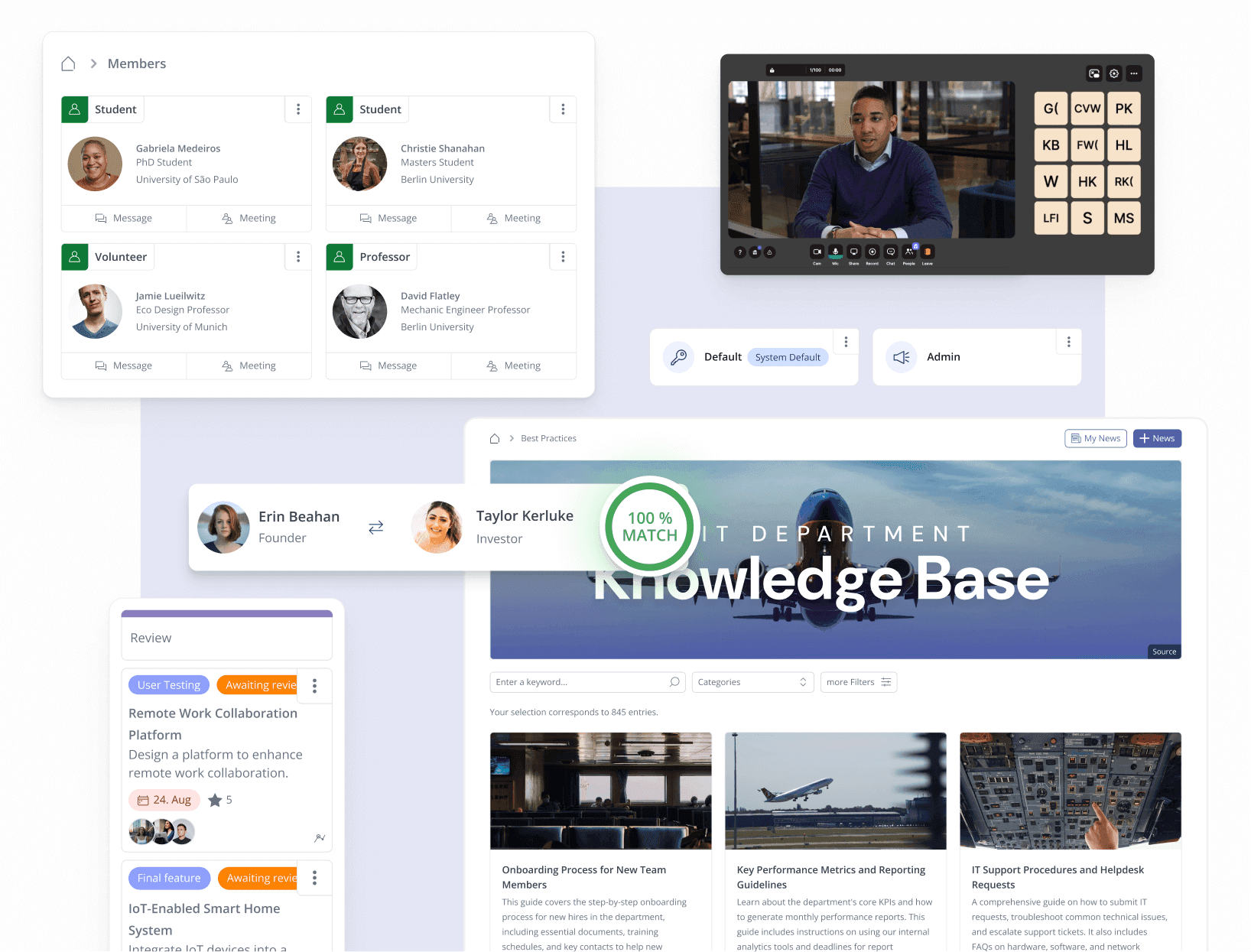
- Application Management with kanban style pipelines for application processes and flexible application workflows
- Reviews and scoring with structured forms, file collection, and an auditable trail
- Customizable content databases to track startups, mentors, sessions, tasks, and outcomes
- Flexible organization and member directories with roles, tags, and permissions
- Event organization with ticketing, sessions, check in, and attendance tracking
- High speed networking and mentor matchmaking for relevant meetings, faster
- Real time progress tracking across cohorts and stakeholders
- Document Management for submissions, contracts, and reports
- SSO, role management, and membership tiers for secure access and simple governance
Pricing
Running an accelerator program means balancing growth, structure, and cost. You need reliable software that doesn’t eat your entire budget but still scales as your cohort and stakeholder network grow. LoftOS offers a clear pricing model designed for flexibility, so you can start lean and expand confidently as your program matures.
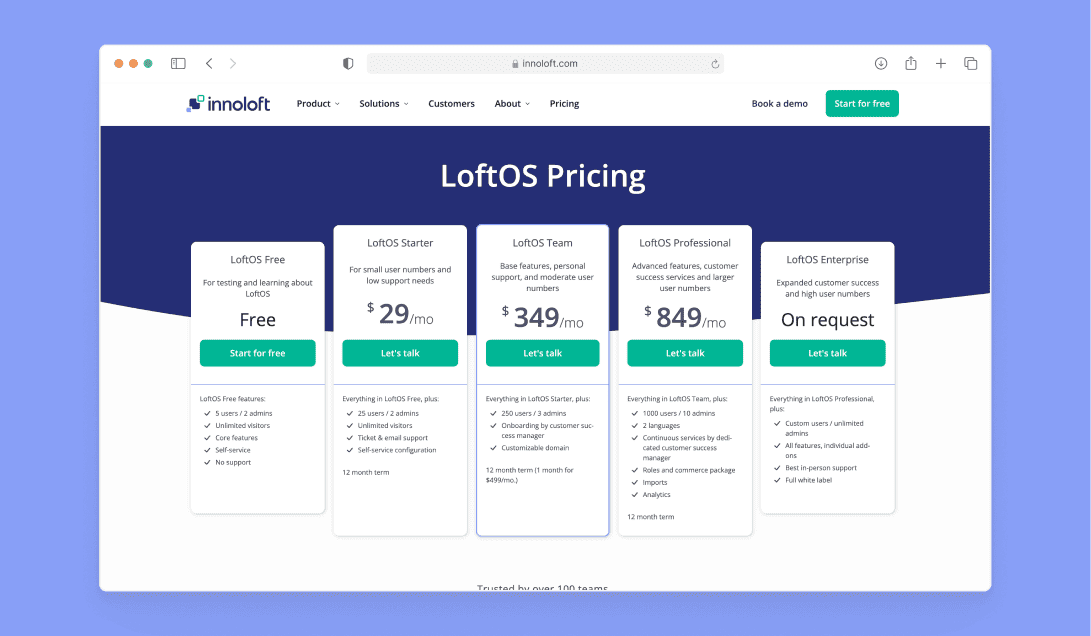
LoftOS Pricing Tiers
- Free: Up to 5 users, explore features and test-fit with zero risk.
- Starter $29/mo: 25 users, email support, ticket & helpdesk access.
- Team $349/mo: 250 users, CSM‑led onboarding, custom domain.
- Professional $849/mo : 1,000 users, analytics, exports, roles and packages.
- Enterprise (Pricing on request): 5,000 users, full white‑label setup, on‑site success services.
Whether you’re testing your first accelerator cohort or managing a network of programs, LoftOS keeps pricing transparent and growth manageable, giving you enterprise capability without enterprise complexity.
Where it shines
LoftOS reduces admin load by unifying program operations, community, and events in one place, so your team sets up faster and spends more time with founders.
- Reusable blocks and templates speed up setup between cohorts
- Clean admin User Experience helps non technical teams work confidently
- Event ticketing and on site check in streamline logistics for large audiences
- Networking and mentor matching drive higher quality meetings and outcomes
- Impact evidence is export ready for sponsors and boards
Where it falls short
LoftOS focuses on program operations, not deep coursework or complex financial workflows. In some cases, you may pair it with specialized tools.
- Not a full learning management system for advanced curricula
- Large grant disbursement flows may require a dedicated finance tool
- Versatile feature set may involve a short learning curve for first time admins
Customer reviews
“The flexibility and adaptability of the platform. The quick response rate of our CSM [sensitive content hidden]. The fact that we can build our own modules and programmes and now even our own category trees. ” - Capterra Review
“I love the possibility of easy customization and openness of features to adapt to your dedicated use case. The company cares about its customers and listen to their new ideas or requirements to implement in the future. If there is any bug, the team is fast to repair it. ” - Capterra Review
Who LoftOS is best for
LoftOS fits organizations that run multiple cohorts or year round communities and want a single platform to manage applications, mentoring, events, and outcomes with clarity.
- Public sector programs, universities, and associations with many stakeholders
- Enterprise innovation teams and corporate venture units running portfolio style programs
- Ecosystem builders that need event management, networking, and measurable impact
2. Babele — Best for curriculum‑led accelerators and incubators
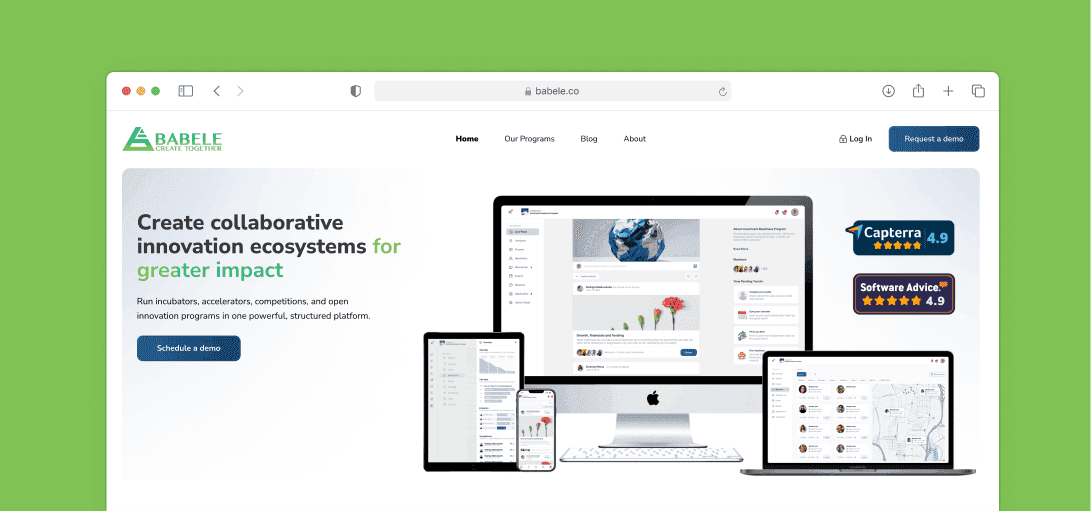
Babele focuses on learning, mentorship, and community wrapped around applications and reviews. It helps program teams guide founders through structured tutorials and assignments while keeping mentors engaged and accountable. Use it when curriculum and knowledge sharing sit at the center of the program, with community updates in one place.
Key features
- Application funnel: Multi‑round selection with reviewer scoring for accelerator applications
- Learning management: Tutorials, assignments, and templates for a guided path, aligned to a Learning management system
- Mentor matching: Pair experts to specific requests and challenges, track sessions
- Community hub: Updates, posts, and discussions to keep participants informed
- Repository: Startup CRM with profiles, notes, and document management
- Progress tracking: KPIs and activity logs across ventures
Pricing
Plan names not published. Sales‑led pricing via demo request. Vendor claims fast setup within one day.
Where Babele shines
- Curriculum first: Strong for programs that require tutorials, tasks, and checklists
- Mentor alignment: Match experts to tagged needs and track outcomes
- Community engagement: Centralize updates and conversations to reduce email chaos
Where Babele falls short
- Complex reviews: Depth of multi‑stage rubrics and mid‑cycle edits may be limited
- Events at scale: Ticketing and on‑site check in are not prominent
Customer reviews
“It is visual and engaging. It is a well-designed piece of software which guides you well and provides a good foundation for engaging others. From another perspective, e.g. as an online mentor, it is an accessible way to access some of the data you need to be able to support people, the tool having helped them prioritise.” – Capterra Reviews
"We used it with our Social Enterprise module and an international competititon (UKISIC)" – Capterra Reviews
Who Babele is best for
Programs that want structured learning plus community with built‑in mentoring.
- University incubators: Course‑like cohorts with templates and deliverables
- Impact hubs and NGOs: Knowledge sharing with experts across regions
- Corporate intrapreneurship: Playbooks for employee challenges
3. Skipso — Best for enterprise innovation and open calls
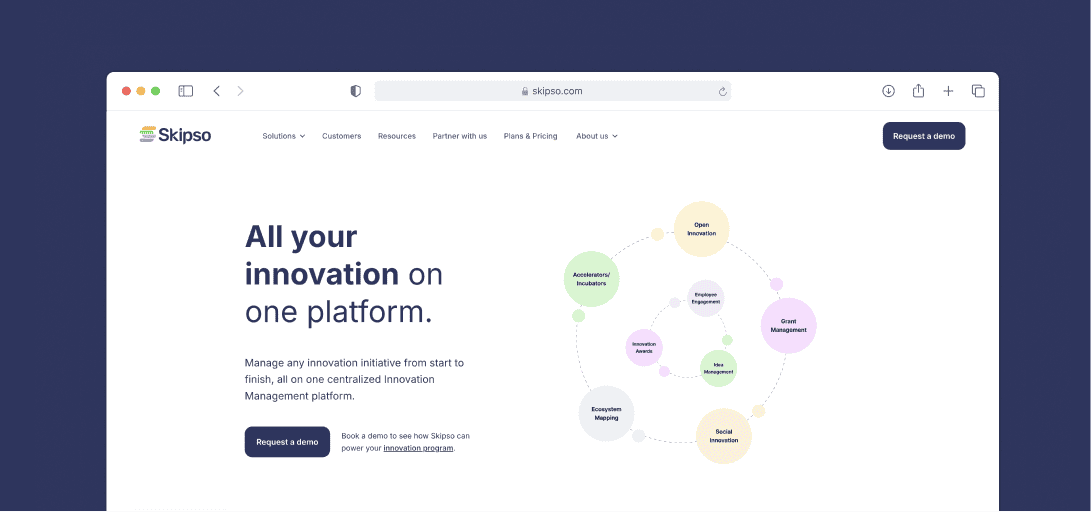
Skipso manages open calls, grants, and idea pipelines across large stakeholder networks. It brings sourcing, judging, collaboration, and ecosystem directories into one workspace. Choose it when you need controlled submissions, partner portals, and reporting that follow initiatives from idea to impact.
Key features
- Open calls: Configurable submissions and judging for challenges and grants within open innovation programs
- Pipelines: Track ideas and projects through standardized application processes
- Stakeholder portals: Spaces for judges, mentors, partners, and teams
- Ecosystem module: Centralize people, content, and collaboration across networks
- Measurement: Track progress and outcomes for sponsors with impact measurement
Pricing
Skipso offers structured plans tailored for accelerators, incubators, and innovation programs looking to manage applications, evaluation, and collaboration. Each tier scales in capacity and customization, supporting everything from early-stage cohorts to multi-tenant enterprise environments.
- Essential: Supports up to 1,000 submissions per program, 1 program per year, and unlimited admin and judge users. Includes form builder, scorecards, live portfolio directory, Kanban pipeline, and task tracker.
- Enhanced: Expands to 5,000 submissions, 1–2 programs per year, and adds one custom user type. Comes with payments integration (Stripe), team collaboration tools, and extended tracking features.
- Enterprise: Designed for large networks managing multiple programs. Offers unlimited submissions, advanced scoring flows, multi-tenant environments, and full assignable user types.
Pricing is demo‑gated. Exact numbers are only available upon request through a demo call.
Where Skipso shines
- Scale and governance: Built for corporates, public sector, and national programs
- Process control: Structured submissions and reviews across multiple initiatives
- Partner networks: Portals to coordinate external collaborators and [business development]
Where Skipso falls short
- Accelerator rhythm: Mentor booking and cohort routines may require workarounds
- Events: Ticketing and on‑site flows are not clearly positioned
Customer reviews
“Lots of custom support from the team, allowing us to build a B2B innovation matching system for our SME customers. Lightweight interface and as-a-service provisioning make this relatively easy to manage even within the context of large, cumbersome IT departments such as ours.” – Capterra Reviews
‘Skipso's customer service is out of this world. The platform has more features and functionality than we have been able to utilize yet, but our pilot program has been a huge success. The ability to customize features and privacy levels has been essential given our unique audience.’ – Capterra Reviews
Who Skipso is best for
Organizations running complex innovation portfolios and public challenges.
- Government agencies: Grant programs and national challenges
- Enterprises: Cross‑department innovation with partner involvement
- Industry networks: Multi‑stakeholder ecosystems that need governance
4. AcceleratorApp — Best for classic accelerator operations with strong scheduling
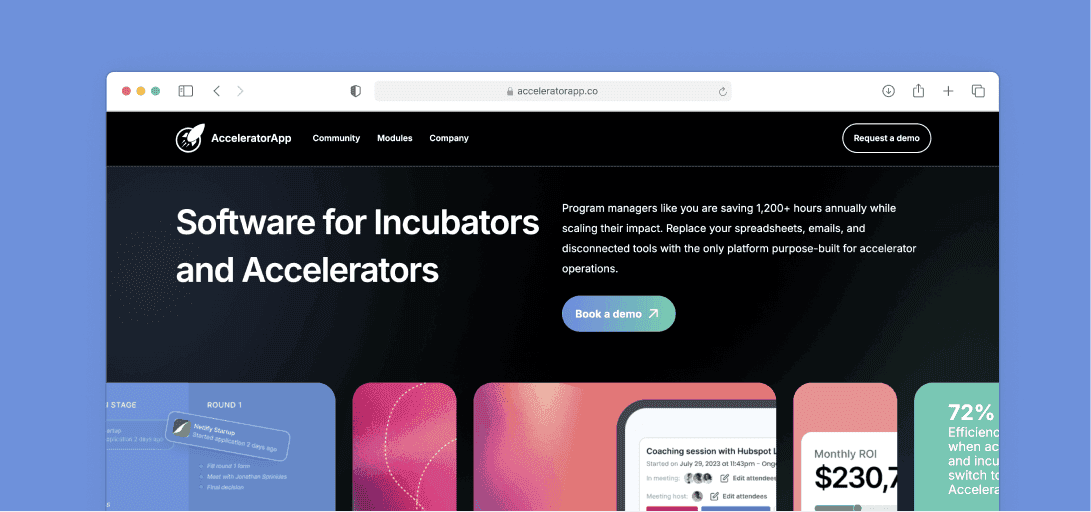
AcceleratorApp consolidates applications, reviews, mentoring, tasks, and communications into one tool. It emphasizes scheduling, deliverable tracking, and multilingual support. Use it if you want a straightforward cockpit from intake to demo day without stitching together several apps.
Key features
- Applications: Customizable rounds for application management and structured reviews
- Scheduling: Mentor and expert booking with calendar syncs, improves user experience
- Tasks and deliverables: Smart task lists tied to startups, reduces follow‑ups
- Communication visibility: Track emails and keep conversations in context
- Multilingual: Interfaces for global cohorts, useful for cross‑border programs
- Workflow control: Edit [application workflows] as programs evolve
Pricing
AcceleratorApp is designed specifically for accelerators and incubators, offering scalable plans that fit programs of any size. From early-stage initiatives to large innovation hubs, the platform includes application tracking, program management, and participant support.
- Starter – Best for small organizations managing a few startups; includes up to 100 applications, 12 startups, and 2 programs.
- Starter+ – Ideal for scaling accelerators; supports unlimited applications, 46 startups, 5 programs, plus onboarding and monthly support hours.
- Essential – Built for medium-sized programs running multiple cohorts; includes unlimited startups, programs, and added support time.
- Premium – Adds white-label URL, custom landing pages, and more onboarding and support hours for growing accelerator portfolios.
- Enterprise – Designed for large networks; includes SLA guarantee, 99.5% uptime, and extended onboarding and success hours.
All pricing plans are visible through booking a sales call.
Where AcceleratorApp shines
- Scheduling muscle: Built‑in mentor booking and session management
- Operational clarity: Tasks and centralized comms reduce manual tracking
- Global readiness: Multilingual UI for international cohorts
Where AcceleratorApp falls short
- Events detail: Ticketing and on‑site check in specifics are limited
- Depth of LMS: Learning module exists, depth should be validated before adopting
Who AcceleratorApp is best for
Teams that want a purpose‑built control room for day‑to‑day accelerator ops.
- Regional accelerators: Repeatable intakes and mentor programs
- University programs: Structured coaching with scheduling needs
- Corporate incubators: Clear tasks and deliverables across startups
5. Submittable — Best for grant programs and public-sector open calls
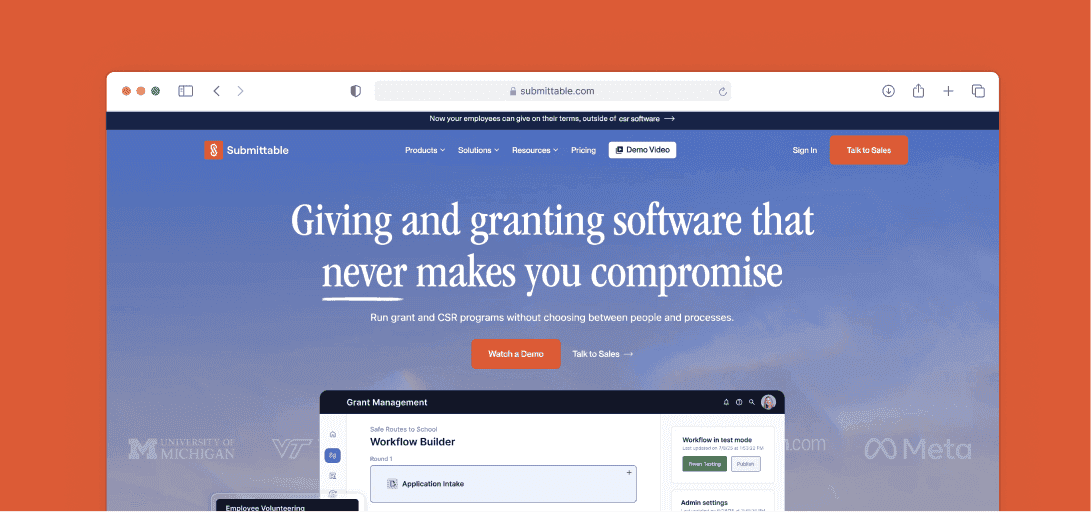
Submittable focuses on end‑to‑end grant lifecycle management. It combines a flexible form builder, multi‑stage routing, identity checks, budget tracking, and post‑award monitoring. Programs get structure, compliance, and an audit trail without spreadsheets. If your accelerator is grant‑heavy or works with agencies and foundations, this platform covers intake, review, and oversight reliably.
Key features
- Form builder: Create complex eligibility and branching for application processes
- Reviews: Multi‑round scoring and automated routing that reduce manual reviews
- Compliance: Identity verification and audit logs for oversight needs
- Post‑award: Milestone tracking, payments oversight, and reporting
- Budgets: Real‑time views with exports for stakeholders and Impact Measurement
- Records: Centralized files and notes for strong Document Management
Pricing
Sales‑led. Public plan names are not listed; teams typically scope features by use case and volume before receiving a quote.
Where Submittable shines
Submittable brings control to complex, regulated programs.
- Lifecycle depth: From intake to award and reporting, with governance
- Reviewer scale: Handles large volumes and multi‑stage evaluation
- Budget clarity: Built‑in financial oversight for sponsors and auditors
Where Submittable falls short
It is optimized for grants, not classic accelerator cadence.
- Mentoring & networking: Limited tools for matchmaking and sessions
- Events: Ticketing and on‑site check‑in are not core workflows
Customer reviews
‘“This allowed me (one of the main users) to be confident in adding to the application or modifying it (e.g., after the deadline passed, reopening it or create a new form to send applicants in the Submitable system to collect additional information from them).“ – Capterra reviews
“Submittable's application forms are very customizable and they allow for a multi-step application process and submitting grant reports.“ – Capterra reviews
Who Submittable is best for
- Government and foundations: Compliance‑driven grant programs
- Universities & NGOs: Scholarship and award cycles with oversight
- Corporate CSR: Large‑scale giving with reporting needs
6. Untap — Best for competitions, awards, and hackathons
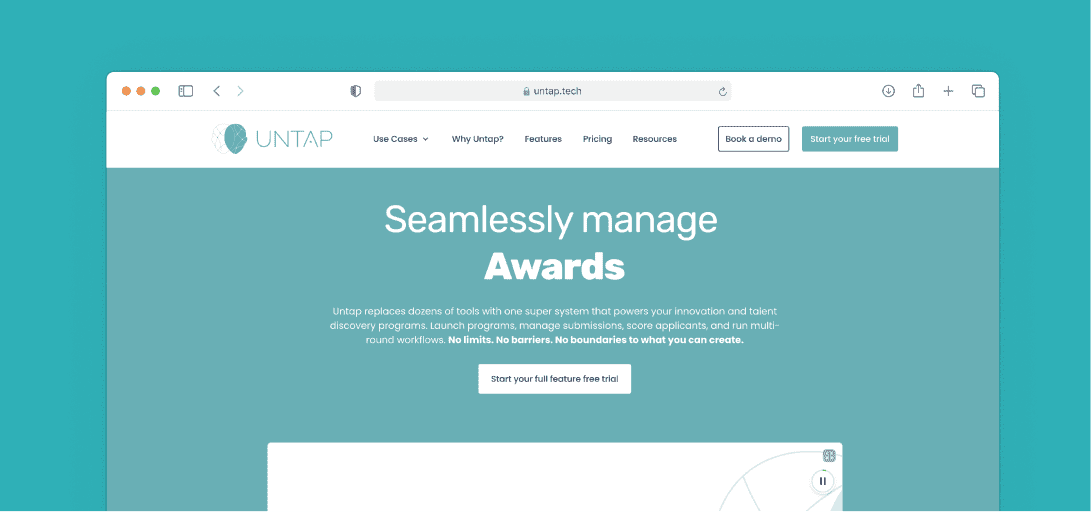
Untap streamlines contests with multi‑round submissions, judge assignments, reminders, and leaderboards. It is quick to launch and clear to administer, with visible plan limits and role controls. If your program centers on challenges, awards, or short sprints, Untap handles logistics cleanly from call‑for‑entries to final rankings.
Key features
- Tracks and rounds: Configure multiple paths for accelerator applications and evaluations
- Judging: And publish rankings for pitch competitions
- Dashboards: See status, send reminders, and manage partial entries
- Cloning: Duplicate programs to reuse settings across cycles
- Exports: Get submissions and scores out for analysis and product development follow‑up
Pricing
Untap offers structured pricing built around support levels rather than feature or submission limits. All plans include unlimited submissions, programs, participants, judges, and admins, as well as full access to every software feature.
- Starter $250/month: The self-service entry tier. Includes unlimited programs and participants, the full software feature set, multilingual support, email support, and one training session per month.
- Growth $900/month: Adds hands-on launch support — one setup session per month where the Untap team helps configure your program from scratch, one custom design per month, and three training sessions per month, plus pre-launch and mid-program sanity checks.
- Ultimate $2,500/month: Designed for organizations running multiple major programs simultaneously. Includes three setup sessions and three custom designs per month, custom domains, priority email and phone support, a dedicated account manager, and quarterly business reviews.
- Enterprise (pricing on request): Adds full white-label capability, custom SLA agreements, API access, SSO, advanced security features, and unlimited setup, design, and training sessions with a dedicated implementation and technical team.
Untap's pricing helps accelerators manage applications, streamline judging, and engage mentors effectively, with predictable costs that scale alongside program growth.
Where Untap shines
Built for challenge formats.
- Speed to launch: Templates and cloning minimize setup time
- Judging at scale: Simple assignment and scoring for many reviewers
- Operational clarity: Clear limits and dashboards keep work organized
Where Untap falls short
It is contest‑first rather than full accelerator ops.
- Mentor workflows: Limited support for long‑form mentoring and coaching
- Events & community: Ticketing and year‑round engagement need separate tools
Customer reviews
“1. Communication was very smooth. 2. There was no breakdown throughout the time we have used the platform. 3. Easy and user friendly interface. 4. The team is super responsive and available all the time. I can write easy on Untap services but I think overall we have never seen team and management like Untap we had a great experience working with Untap.” – Capterra reviews
“Untap Compete helped extensively in filtering 3500+ candidates and going through 4+ phases. It was really important for all the needed details and feedback to be on a single portal, not to mention their customer support 24/7.” – Capterra reviews
Who Untap is best for
- Innovation teams: Short challenges and awards cycles
- Universities: Hackathons and student competitions
- Public programs: Open calls with transparent judging
7. Disco — Best for cohort‑based learning inside programs
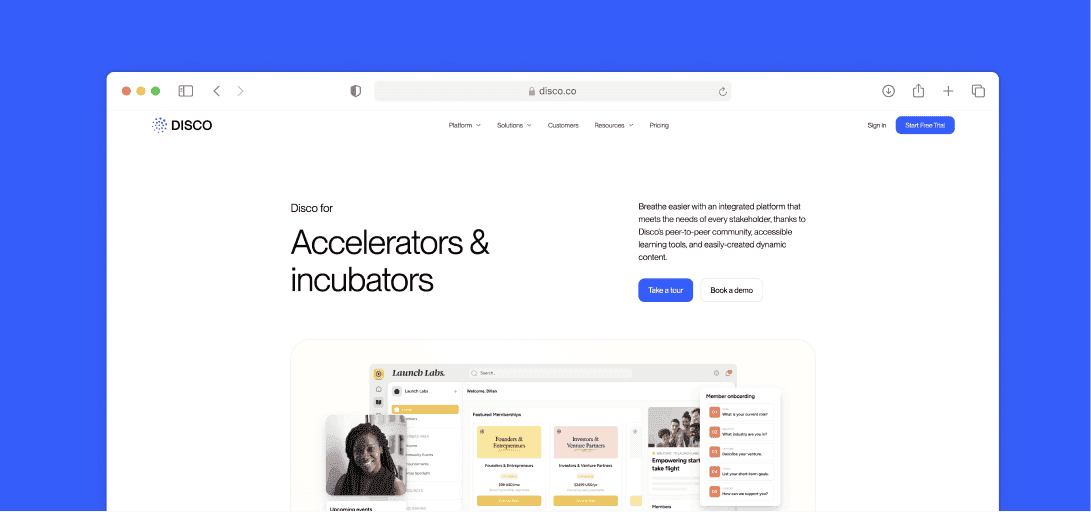
Disco focuses on live sessions, structured paths, and community spaces that support facilitator‑led learning. It works well when your accelerator is curriculum heavy and you need a simple way to run workshops, assignments, and discussions alongside events. Use it to deliver training while keeping cohorts engaged.
Key features
- Live learning: Host workshops with chat and recordings for Cohort-Based Courses
- Learning paths: Organize modules and tasks into Personalized Learning Paths
- Spaces & chat: Community areas for peer discussion and updates
- Events: Schedule sessions and manage RSVPs; light ticketing
- Content: Pages, files, and quizzes for a lean Learning management system
Pricing
Disco focuses on helping small to mid-sized accelerators manage their communities and learning programs efficiently. Its pricing reflects simplicity for smaller teams while offering scalability for enterprise-grade cohorts.
Disco Pricing Tiers
- Organization $399/month – Launch a fully branded learning academy for up to 500 members. Includes unlimited learning products, AI tools for both members and admins, the ability to build and deploy paid courses and community events, and onboarding sessions with weekly office hours.
- Enterprise (pricing on request) – Scale to 100,000+ members with a custom branded mobile app (available on request), API and Webhooks access, SAML SSO, a dedicated success manager, and personalized migration and onboarding support.
Disco's plans fit organizations that want solid functionality without heavy customization, giving growing programs a straightforward way to manage participants and content at scale.
Where Disco shines
Strong for teaching within a community.
- Facilitator tools: Run live cohorts with assignments and paths
- Member UX: Clean interface for learners and mentors
- Engagement: Spaces and chat keep cohorts active between sessions
Where Disco falls short
It is not built for complex selection or mentoring logistics.
- Applications & reviews: Limited multi‑stage pipelines and scoring depth
- Program governance: Role, directory, and reporting needs may require complements
Customer reviews
"Disco is incredibly easy to use and has transformed our training delivery. Customer support has been second to none—they handle questions quickly despite time‑zone gaps." – G2 Review
"It’s a super user‑friendly platform with helpful AI chat and integrations like Zoom and Slack. Automations cut our manual workload dramatically." – G2 Review
Who Disco is best for
- University accelerators: Syllabus‑led cohorts
- Corporate academies: Upskilling tied to venture building
- Founder schools: Coaching programs with structured lessons
8. Circle — Best for year‑round community around your accelerator
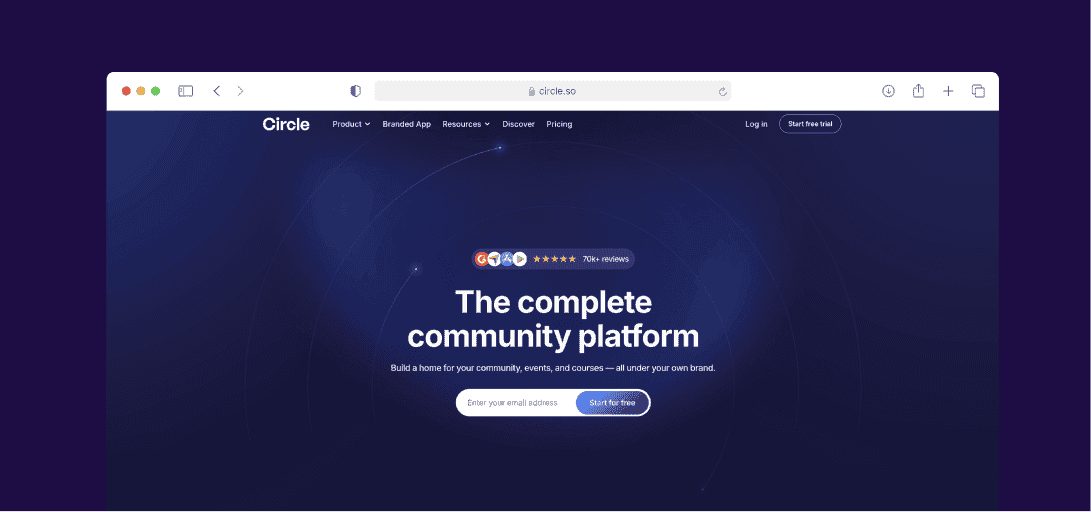
Circle combines forums, chat, live events, and paid courses in a polished hub. It is useful when your accelerator runs ongoing engagement and needs member areas, announcements, and webinars without extra plugins. Use it to host conversations, publish updates, and run lightweight events for alumni and partners.
Key features
- Spaces & structure: Organize cohorts and topics for better community engagement
- Events: Host webinars and workshops with RSVPs
- Courses & paywalls: Offer premium tracks alongside free areas
- Mobile apps: Branded iOS and Android experiences
- Automation: Moderation rules and workflows to keep spaces tidy
Pricing
Circle's pricing works well for accelerators that need flexibility as their cohorts grow. The platform combines community spaces, live video, and automation tools, making it suitable for both small teams and large-scale programs.
- Professional $89/month – Includes core community-building features: unlimited members, courses, discussions, events, live streams, live rooms, a website builder, paid memberships, gamification, custom domain, and reporting and analytics.
- Business $199/month (Most Popular) – Adds automated workflows, custom profile fields, Headless Member API and Admin API access, branded email notifications, AI content writer, automated transcriptions, and activity scores for advanced customization.
- Circle Plus (pricing on request) – Designed for large accelerator networks. Includes AI Agents and AI workflows, custom single sign-on, the highest platform limits, advanced analytics, priority technical support, concierge onboarding, and a dedicated Customer Success Manager. Branded iOS and Android apps are available as an optional add-on within this tier.
Note that Circle applies transaction fees on payments processed through the platform: 2% on Professional, 1% on Business, and 0.5% on Circle Plus.
Circle's plans give accelerators the tools to run structured programs, monetize content, and manage engagement easily.
Where Circle shines
Community is its core.
- Clean UX: Easy for members to navigate and participate
- All‑in‑one hub: Discussions, events, and courses in one place
- Alumni focus: Good fit for ongoing updates and showcases
Where Circle falls short
- Applications & reviews: No deep multi‑round workflow or scoring
- Mentor ops: Booking and matchmaking are limited compared to program suites
Customer reviews
"It's really easy to use, it has loads of excellent features that I find really valuable for my specific use case, and even though it can seem a bit pricey at first to start with if you're doing a startup the cost is really great for what you get and it has monetization tools to let you make income with your community quickly." – Capterra Review
“I love how beautiful the UI is for the this software. The UX is also intuitive and constantly be improved upon every year.“ – Capterra Review
Who Circle is best for
- Accelerators with alumni networks: Always‑on community
- Creator and coach programs: Paid tracks with events
- Ecosystem groups: Partner updates and showcases
How to Choose Accelerator Software
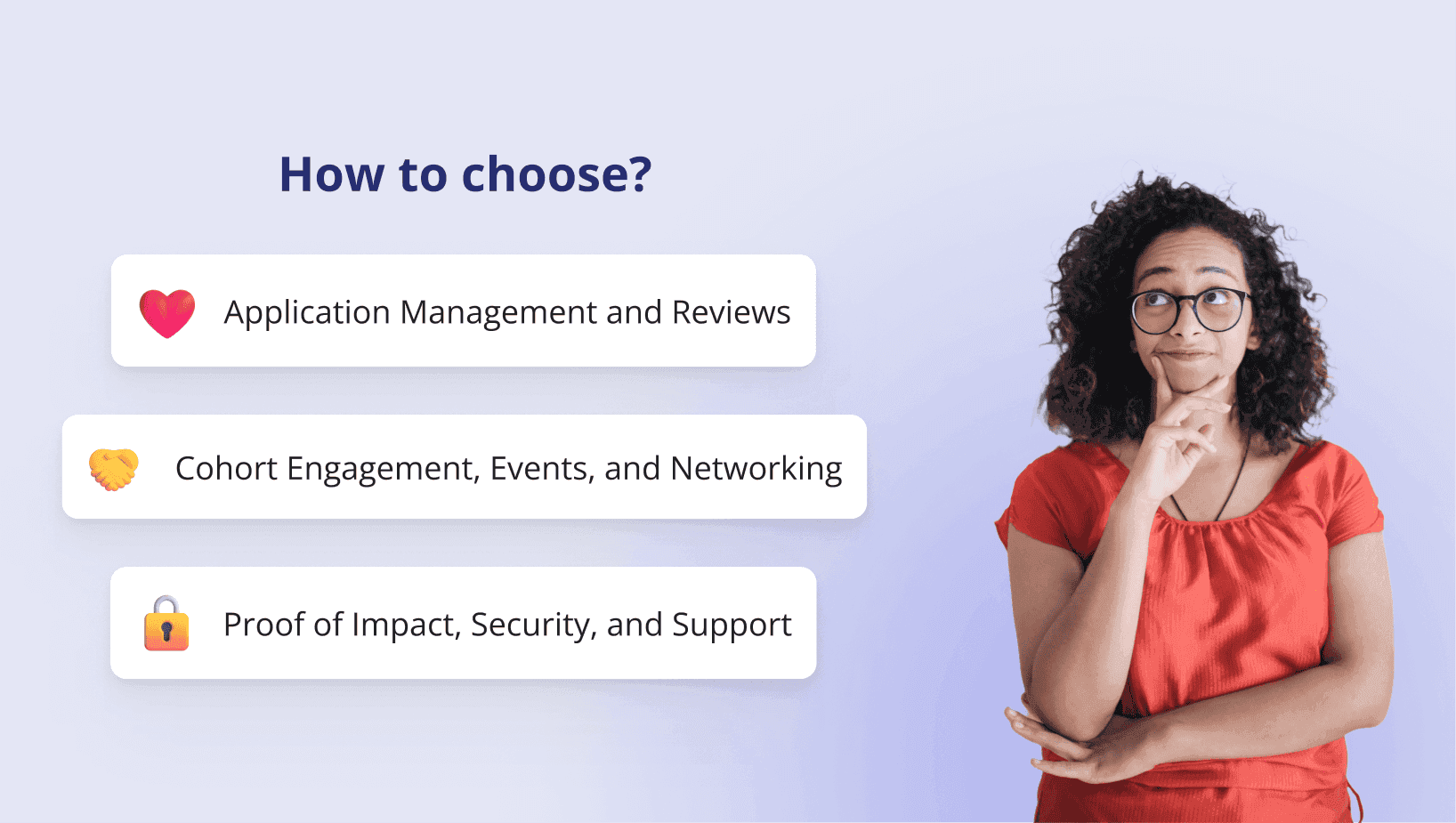
Pick tools with admin reality in mind. You need flexible workflows, clear visibility, and proof of results, not shiny dashboards or one-off forms that break mid cohort.
1) Application Management and Reviews
Start with strong Application Management. Your team needs pipelines that mirror stages, editable application workflows, and reliable Document Management. Reviews should support role-based access, structured scoring, and an audit trail.
- Must have: kanban-style pipelines for application processes, changeable forms, bulk actions, and file handling
- Nice to have: rubric libraries, reviewer assignments, and time-bound windows
- Red flags: rigid flows, hidden exports, or “manual reviews” outside the system
2) Cohort Engagement, Events, and Networking
You will run sessions, ticketing, check in, and mentoring at once. Look for clean admin User Experience, schedules, attendance, and real matchmaking, not just chat.
- Must have: event setup, ticketing, on-site check in, directories, and mentor matching
- Nice to have: automated reminders, session feedback, and notes tied to profiles
- Tie-in: plan purposeful sessions with proven community engagement activities and build a year-round hub using our how to build community guide
3) Proof of Impact, Security, and Support
Sponsors expect evidence. Track meetings, milestones, and outcomes with Impact Measurement and real time progress tracking you can export. Keep access secure and get help fast.
- Must have: SSO, roles and permissions, exportable reports, and responsive Customer Service
- Nice to have: API or CSV syncs, consent controls, and presentation-ready summaries
- Red flags: vanity metrics without evidence, slow support, or data you cannot get out
Accelerate Your Startup Programs with LoftOS
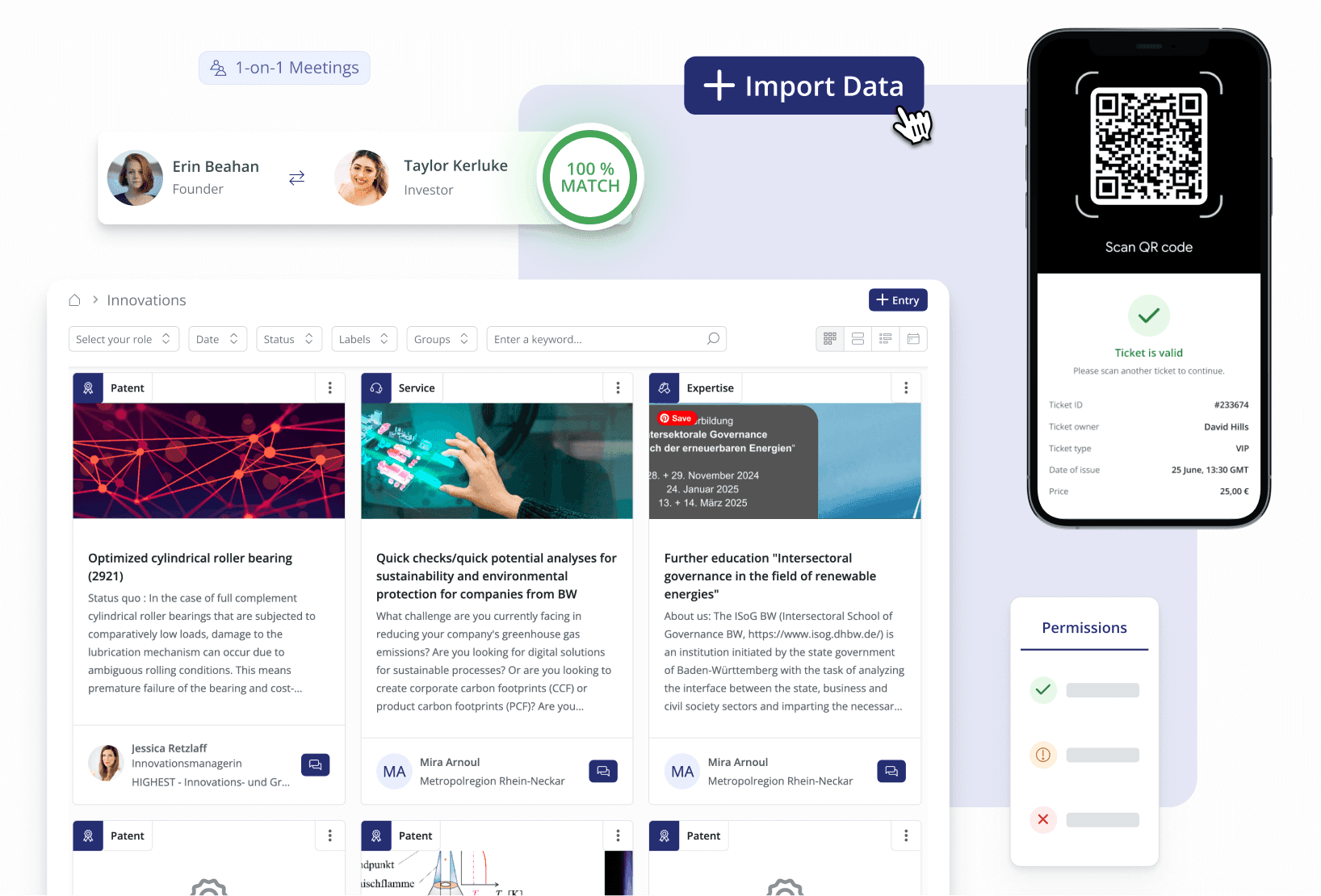
If you need reliable accelerator software that simplifies application management and proves outcomes with clear impact measurement, LoftOS is the practical choice. Reliable means forms that never break mid-review, ticketing that scans fast, permissions that keep judges honest, and an audit trail you can trust. Outcomes means sponsor ready evidence, deals logged, jobs created, and partnerships you can point to.
See how it works in our product overview and start with a focused pilot, one live program over 4 to 6 weeks, migrate one intake, run matchmaking and events, export a board ready report. If your needs are narrow or one off, a point tool may fit. Ready to scale programs with clarity and visible results? Explore LoftOS and try it today.

Florian Feuer is Co-Founder and CMO of Innoloft, where he leads the marketing and customer success teams. Since launching Innoloft in 2019, he has worked with more than 100 community and platform operators — economic development agencies, tech transfer offices, associations, innovation clusters and corporates — who build their own portals on LoftOS.